Utility bills have a frustrating habit of creeping upward, leaving you wondering exactly where all that electricity is going. Heating and cooling account for nearly half of a typical home’s energy consumption, while lighting, water heating, and a constant drain of standby power consume the rest. Upgrading your house into an eco smart home promises to slash those costs. The marketplace is flooded with gadgets claiming to save you money, but separating the genuinely effective tools from expensive novelties requires a critical eye.
Combining these gadgets with a room-by-room energy guide can help you identify exactly where your home is losing efficiency.
Strategic home automation energy reduction relies on devices that solve specific inefficiencies in your daily routine. You do not need to replace every lightbulb and appliance with a Wi-Fi-enabled equivalent to see a difference. Instead, targeting the heaviest energy consumers in your home yields the highest return on investment. By automating your climate control, targeting standby power, and tracking your usage, you can significantly lower your monthly expenses without sacrificing comfort.
At a Glance: The Essentials of Smart Energy Savings
- Focus on climate control first: Smart thermostats offer the fastest return on investment by optimizing your heating and cooling schedules.
- Defeat vampire loads: Smart plugs stop electronics from draining power when turned off.
- Automate your lighting: Smart switches ensure fixtures are only active when rooms are occupied.
- Monitor to manage: Whole-home energy monitors reveal exactly which appliances cost you the most money.
The Heavy Lifter: Smart Thermostat Energy Savings
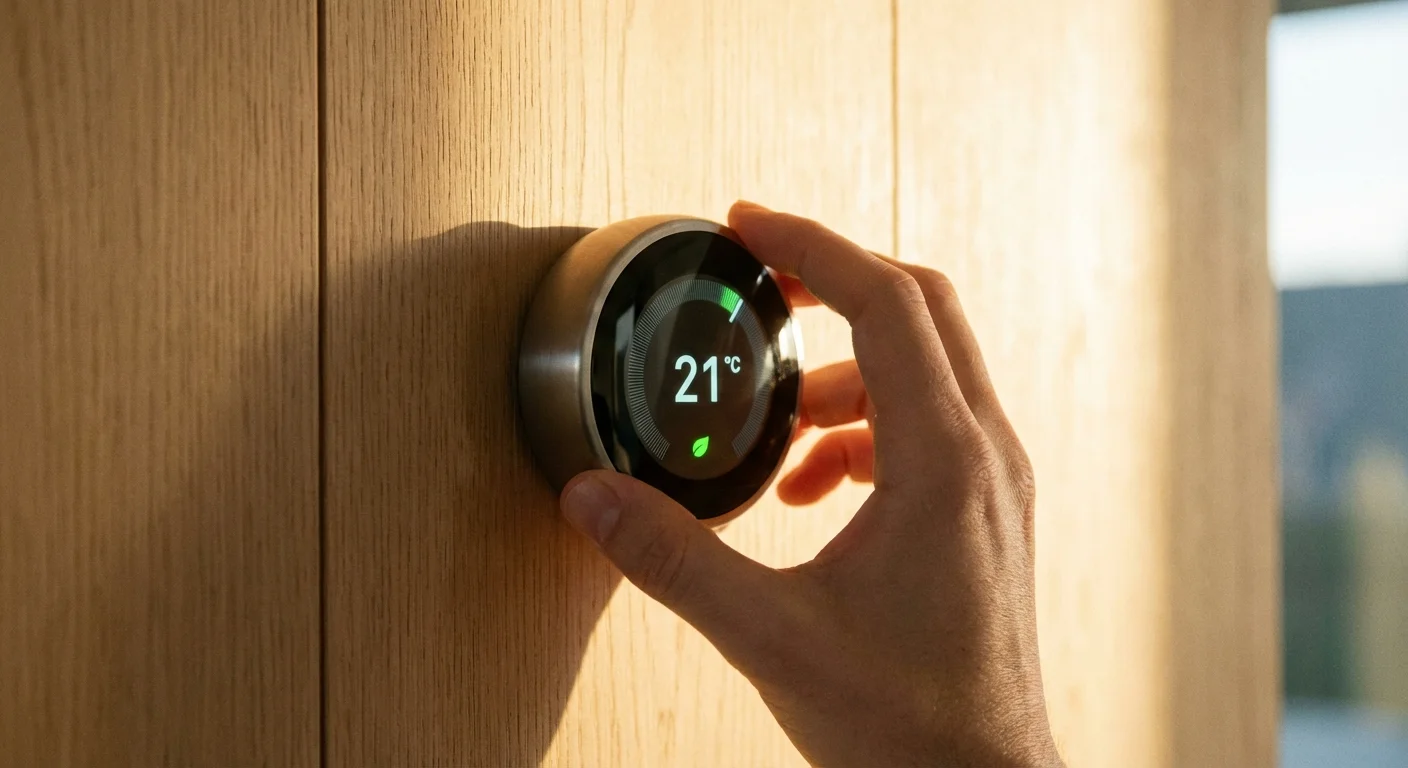
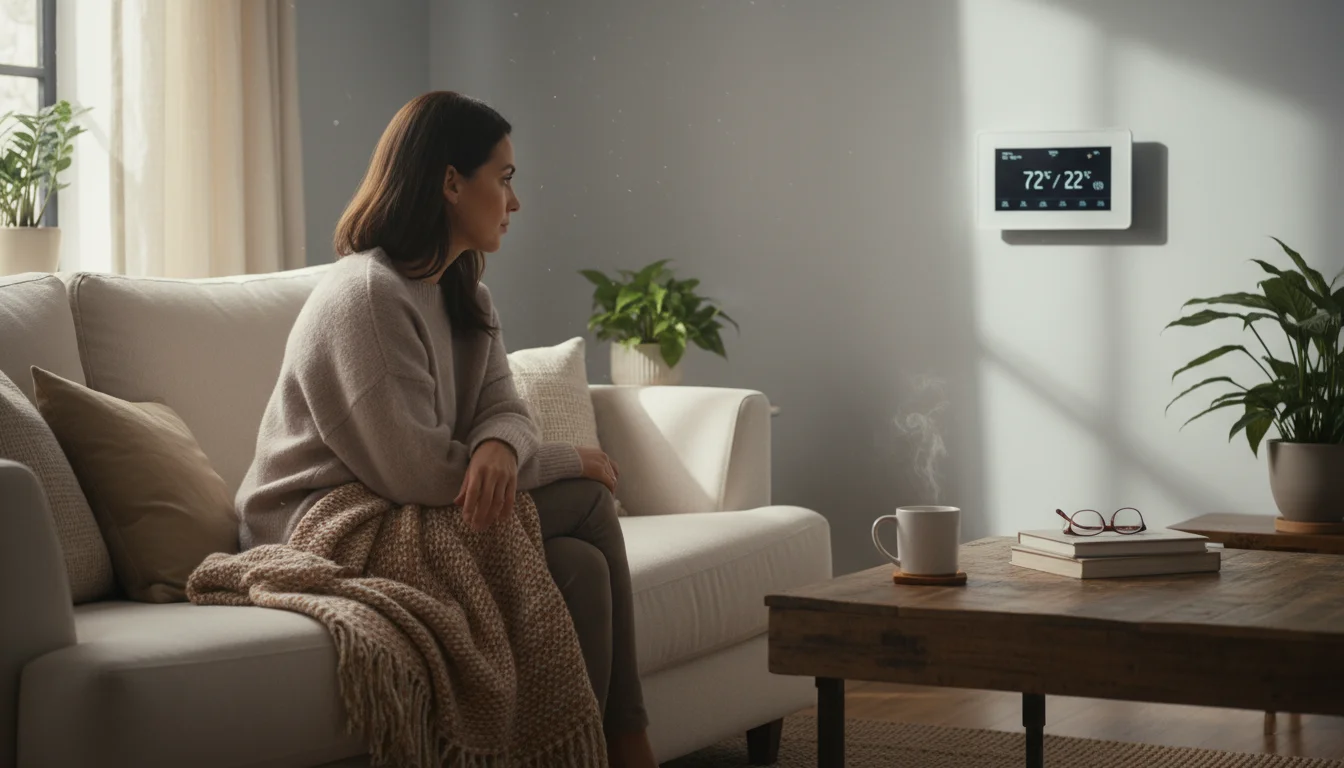
Your HVAC system is the single largest energy consumer in your home. Traditional programmable thermostats rely on you entering a rigid schedule, which often fails when your plans change. You end up heating an empty house because you stayed late at the office, or blasting the air conditioning while you are away on a weekend trip. Smart thermostats eliminate this guesswork by learning your habits and adjusting temperatures dynamically.
Along with automation, keeping up with regular HVAC maintenance is essential for long-term system health and lower costs.
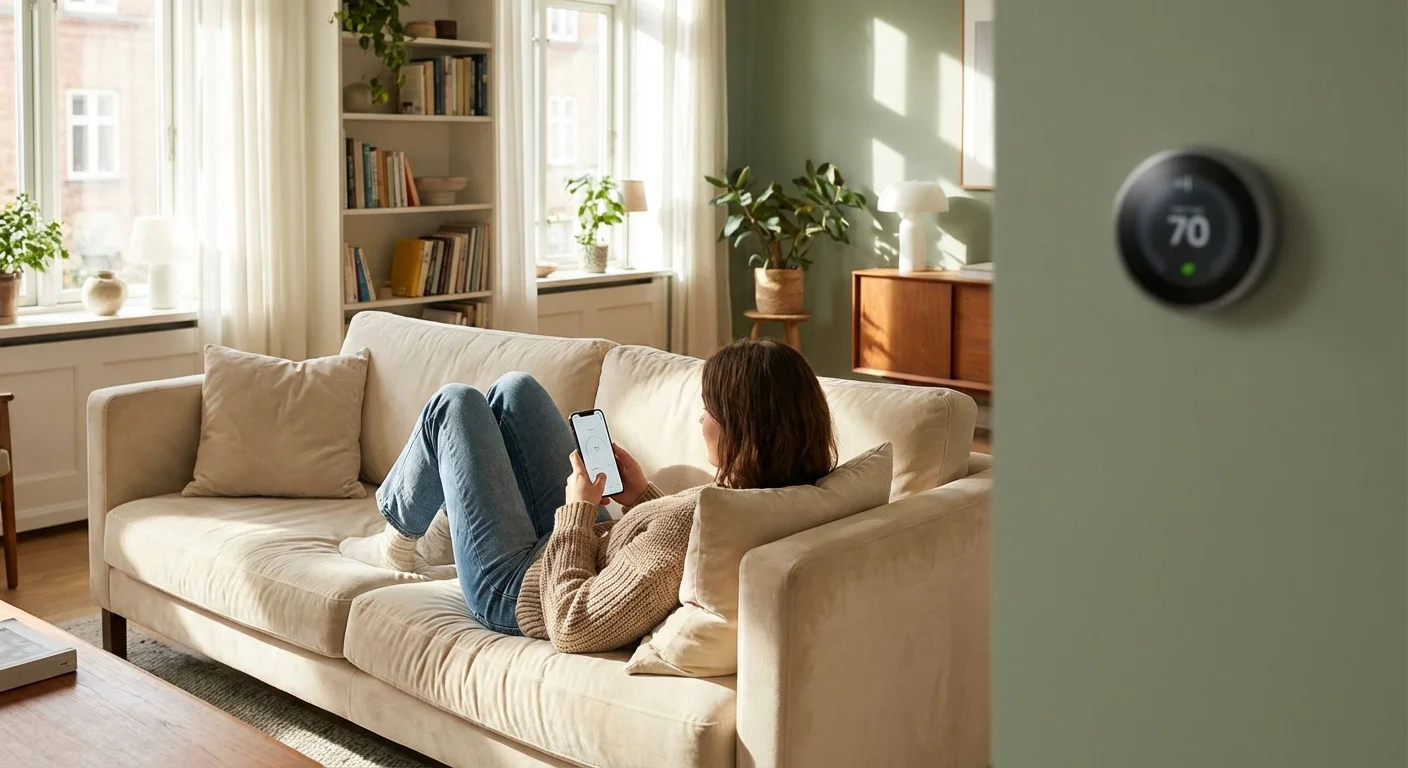
Modern devices utilize geofencing, a feature that connects the thermostat to the location services on your smartphone. When you leave a designated radius around your house, the system automatically dials back the heating or cooling. Once you cross back into that boundary on your commute home, the system kicks into gear, ensuring the house is comfortable the moment you walk through the door. This hands-off approach guarantees you never waste money conditioning an empty space.
Remote room sensors provide another layer of smart thermostat energy savings. Traditional systems rely on a single temperature reading from the hallway where the thermostat lives—often the darkest, coolest part of the house. By placing wireless sensors in the rooms you actually use, the system prioritizes conditioning those specific areas. If you work from a home office during the day, the thermostat will focus on keeping that single room comfortable rather than pushing excessive hot or cold air into unused bedrooms.
“Homes with high heating and cooling bills, as well as homes that are unoccupied for much of the day, can save between $50 and $100 a year by using an ENERGY STAR certified smart thermostat.” — ENERGY STAR
Banish Vampire Power with Smart Plugs and Power Strips
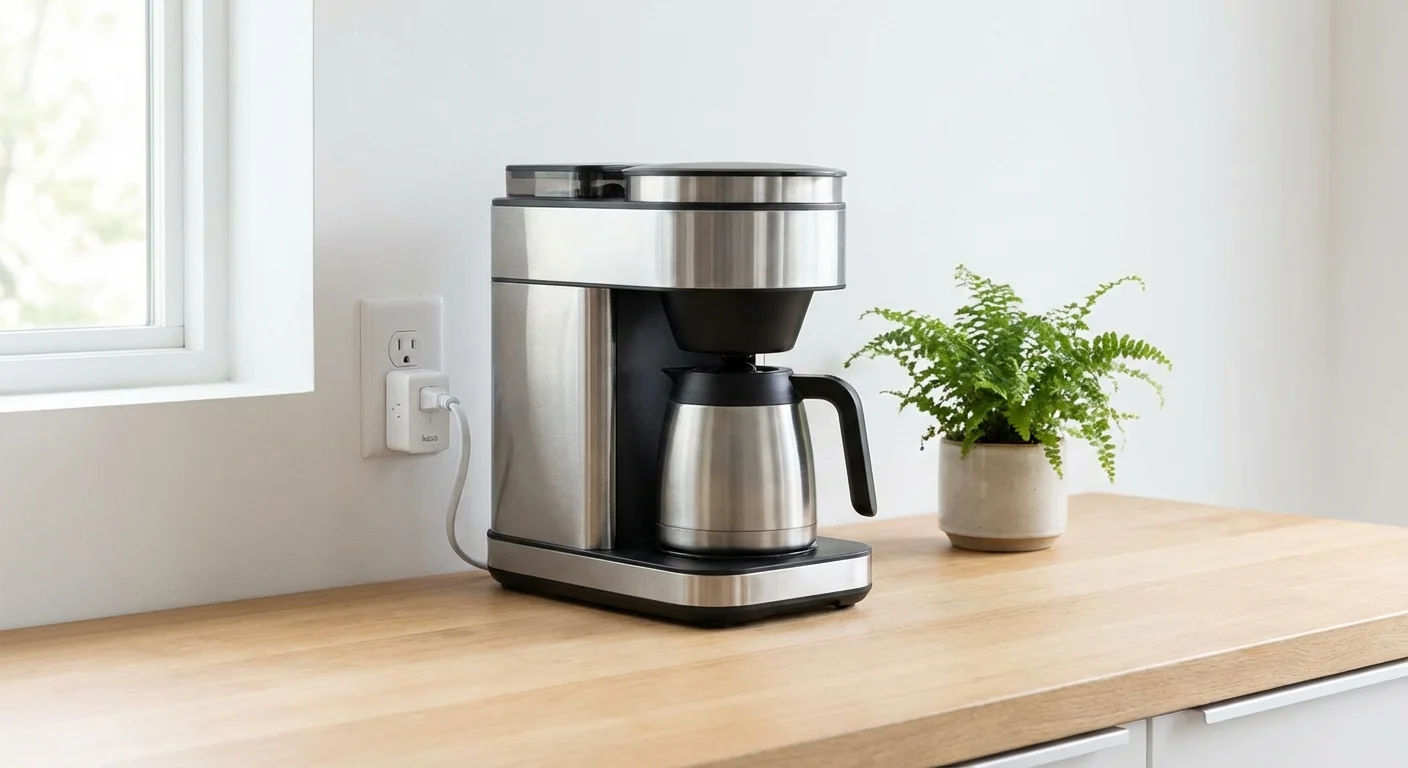
Many homeowners are surprised to learn that electronics draw power even when turned off. This phenomenon, known as standby power or a “vampire load,” accounts for up to 10% of an average household’s electricity usage. Coffee makers waiting to brew, gaming consoles in rest mode, and televisions waiting for a remote signal constantly sip electricity from the grid.
Smart plugs serve as gatekeepers between your wall outlet and your appliances. When you turn off a smart plug via your phone or a voice command, it severs the physical electrical connection, completely stopping the standby power drain. You can group multiple plugs together in your smart home app to shut down an entire entertainment center or home office with a single tap before bed.
Advanced smart power strips take this concept further. They designate one outlet as the “control” outlet—perfect for your television or computer tower. When the power strip detects that the control device has powered down, it automatically cuts power to the peripheral outlets holding your soundbar, gaming console, or desktop monitors. This seamless automation requires absolutely zero change in your daily habits while silently trimming your electricity bill.
Brilliant Illumination: Smart Bulbs and Switches
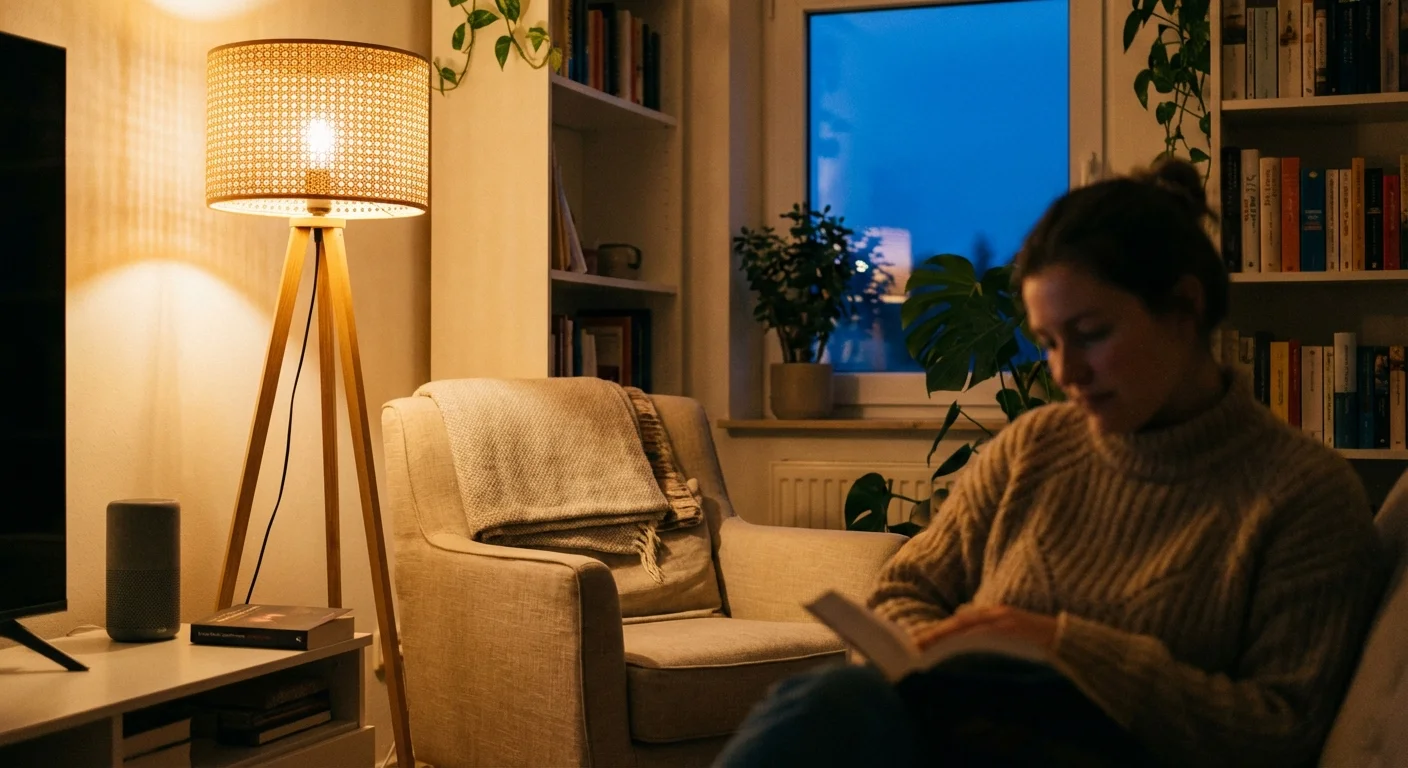
Switching from incandescent to LED lighting remains the easiest way to reduce your lighting costs, but adding smart technology maximizes those savings. The key to smart home energy saving with lighting is ensuring fixtures are only active when necessary. You have two primary options: smart bulbs and smart switches.
Smart bulbs screw directly into your existing lamps and fixtures. They allow you to dim the lighting—which directly reduces the wattage consumed—and set schedules so your exterior lights automatically turn off at sunrise. However, if someone flips the physical wall switch off, the smart bulb loses its connection and functionality.
Smart switches replace your traditional wall switches and control the flow of electricity to your existing dumb bulbs. This is often the superior choice for ceiling fixtures and rooms with multiple recessed lights. You can program smart switches to operate on motion sensors; the lights automatically turn on when you enter the laundry room or garage and shut off five minutes after no motion is detected. According to rigorous testing by Consumer Reports, prioritizing areas with high foot traffic and frequently forgotten lights yields the most noticeable reduction in utility costs.
Climate Control the Natural Way: Automated Window Treatments
Windows are the primary battleground for temperature regulation. During the summer, direct sunlight streaming through south-facing windows introduces massive amounts of thermal heat, forcing your air conditioner to work overtime. In the winter, bare windows allow precious indoor heat to escape into the freezing night air.
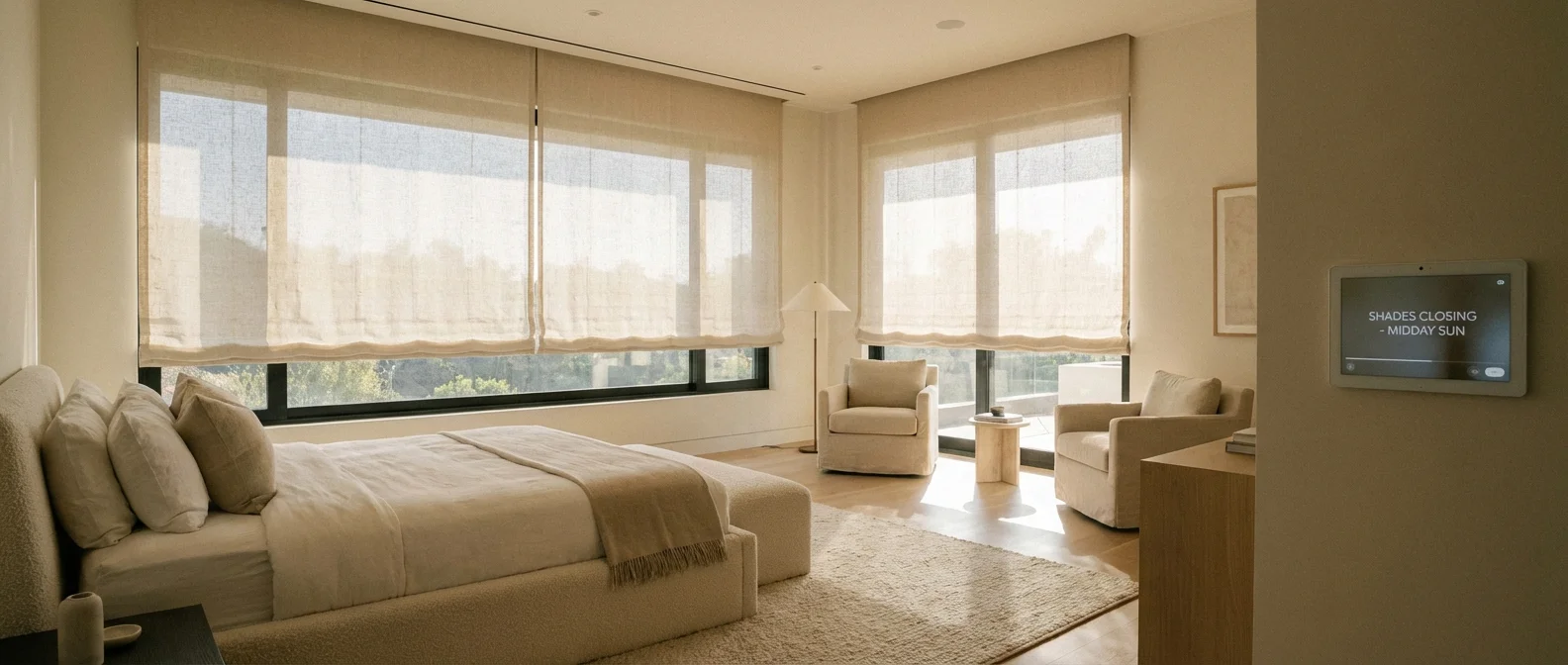
Motorized smart blinds and shades actively manage passive heating and cooling. You can program these window treatments to follow the path of the sun. In July, your smart blinds can automatically lower on the east-facing windows in the morning and the west-facing windows in the afternoon, blocking solar heat gain before it enters the room. In January, the system reverses: the blinds open wide to harvest free solar heat during daylight hours and close tightly at dusk to provide an extra layer of insulation.
When integrated into a comprehensive eco smart home ecosystem, your motorized shades can communicate directly with your smart thermostat. If the thermostat detects the indoor temperature rising above your desired threshold, it triggers the shades to close before engaging the energy-heavy air conditioning compressor.
Understanding Your Usage: Whole-Home Energy Monitors
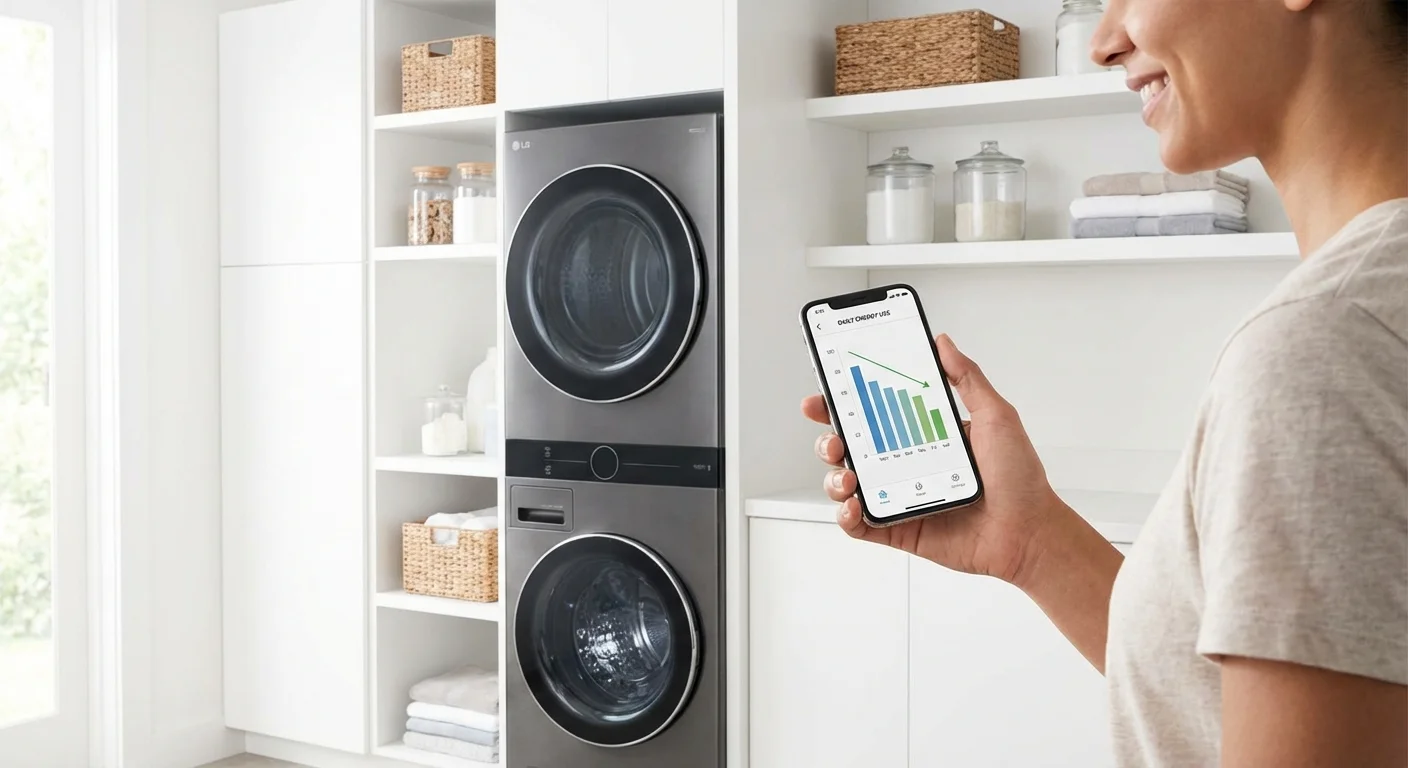
You cannot effectively manage what you do not measure. Most homeowners only see their energy consumption once a month when the utility bill arrives, making it impossible to identify which behaviors or appliances caused spikes in usage. Whole-home energy monitors change this dynamic by providing real-time data straight to your smartphone.
These devices install directly into your main electrical panel. Using current transformer (CT) clamps wrapped around your main power mains, they measure the electricity flowing into your house thousands of times per second. Advanced monitors utilize machine learning to analyze the electrical noise on your system, eventually identifying the unique power signatures of individual appliances. The app will notify you exactly how much it costs to run your dryer, or alert you if your refrigerator compressor is running unusually long, which often indicates failing seals or dirty coils.
Access to real-time data naturally alters your behavior. Seeing the exact dollar amount ticking upward when you leave unnecessary devices running provides the psychological push needed to build better household habits.
Defending the Grid: Smart Sprinklers and Water Leak Detectors
Energy consumption extends beyond electricity and natural gas; water processing and heating demand massive amounts of energy. Smart home water management devices protect your wallet and your property simultaneously.
Smart sprinkler controllers replace traditional irrigation timers. Instead of watering your lawn on a blind schedule, these controllers pull local weather data via Wi-Fi. If rain is in the forecast, or if the soil moisture levels are already sufficient from a recent storm, the smart controller skips the watering cycle. This prevents overwatering and drastically reduces your municipal water bill.
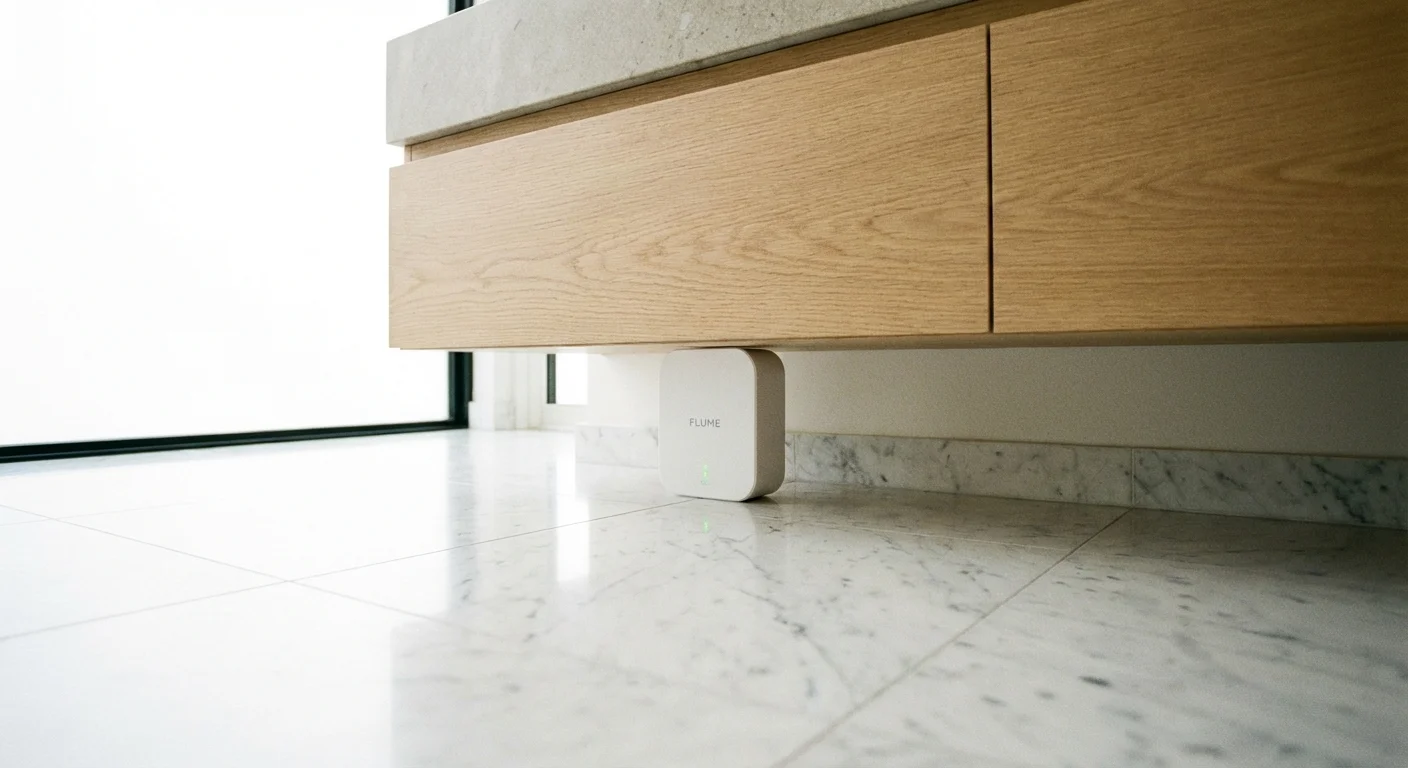
Inside the house, smart water leak detectors placed under sinks, near water heaters, and behind washing machines send instant alerts to your phone the moment they detect moisture. While their primary job is preventing catastrophic water damage, advanced models integrate with a smart automatic shut-off valve on your main water line. Stopping a continuous leak immediately saves gallons of water and the energy required to pump and heat it.
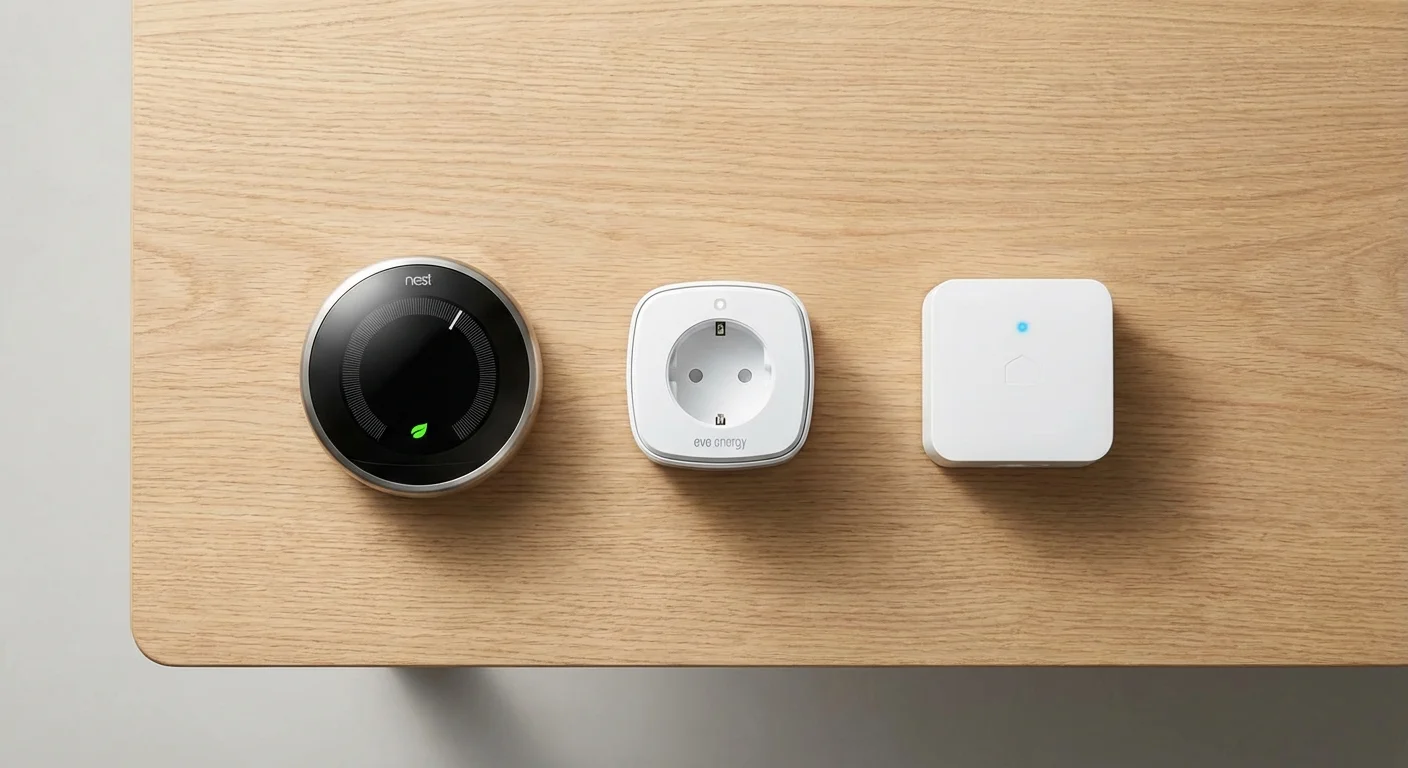
Comparing the Best Smart Devices for Energy Efficiency
When planning your upgrades, it helps to prioritize devices based on their installation difficulty and potential return on investment. Use this comparison table to determine your starting point.
| Device Type | Primary Energy Benefit | Estimated Savings Potential | Installation Difficulty |
|---|---|---|---|
| Smart Thermostat | Optimizes HVAC runtimes via geofencing and scheduling | High (8-15% of heating/cooling costs) | Medium (Requires basic wiring knowledge) |
| Smart Plugs | Eliminates standby power from idle electronics | Low to Medium (Highly dependent on devices connected) | Very Easy (Plug and play) |
| Smart Switches | Automates lighting based on occupancy and schedules | Medium (Prevents lights from being left on for hours) | Hard (Requires working with high-voltage wires) |
| Energy Monitor | Provides real-time usage data to alter habits | High (Can identify failing, energy-hogging appliances) | Very Hard (Professional installation highly recommended) |
| Smart Sprinkler | Prevents unnecessary watering using weather data | Medium (Significant impact on summer water bills) | Medium (Requires outdoor wiring replacement) |
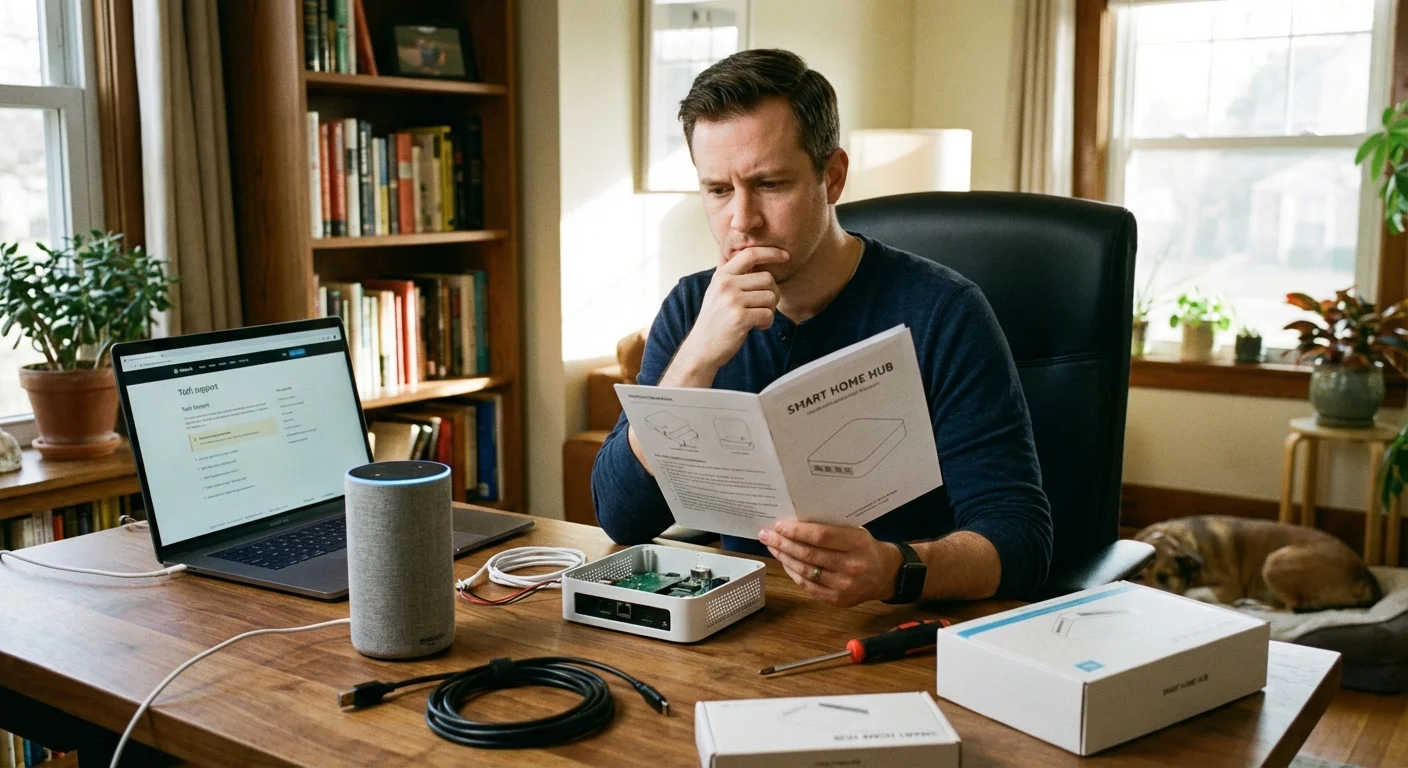
What Can Go Wrong: Common Smart Home Setup Mistakes
Implementing smart technology is not without its hurdles. Rushing into purchases without checking your home’s infrastructure can lead to frustrating roadblocks and wasted money.
The most common issue involves the “C-wire” or common wire required by most smart thermostats. This wire provides continuous 24-volt power to the thermostat’s Wi-Fi chip and display. Many older homes lack this wire in the wall bundle. While some thermostats offer battery backups or power extenders, attempting to force a device to work without proper continuous power often leads to dropped connections and drained batteries during extreme weather.
Wi-Fi network congestion also disrupts home automation energy reduction. Smart home devices primarily operate on the 2.4 GHz network band because it penetrates walls better than the 5 GHz band. If your internet router is outdated or located in the basement, your smart plugs and switches on the second floor will constantly drop offline. A device disconnected from the network defaults to its basic state, meaning your automated schedules fail to execute.
Finally, avoid over-automating. You must account for the power the smart devices themselves consume. A smart plug uses roughly 1 to 2 watts continuously to maintain its Wi-Fi connection. If you use a smart plug to control a basic LED desk lamp that only draws 5 watts when on, the plug’s constant energy draw might exceed the savings of automating the lamp. Reserve smart plugs for power-hungry devices like window air conditioning units, space heaters, and entertainment centers.
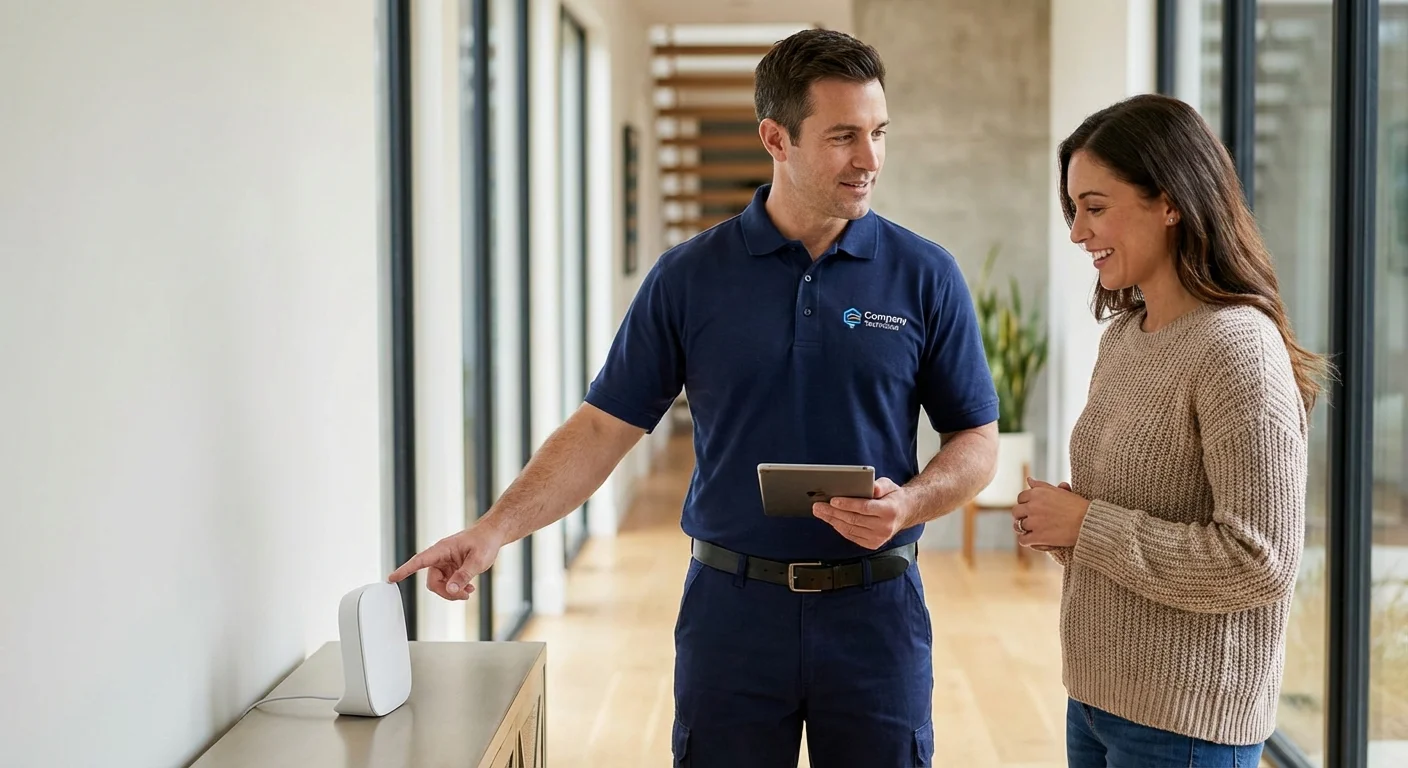
When to Call a Professional
While many smart home upgrades are excellent weekend projects, certain installations cross the line into hazardous territory. Your safety and the integrity of your home’s electrical system should always take priority over DIY savings.
- Installing Whole-Home Energy Monitors: These devices require opening your main electrical panel and working inches away from the live, un-breakered main service lines coming from the street. One slip can result in fatal electrocution. Always hire a licensed electrician for this job. You can review safety guidelines for electrical panels at This Old House.
- Missing Neutral Wires: If you open a wall switch to install a smart dimmer and find only two black wires (a switch loop) and no white neutral wire bundle, halt your installation. Most smart switches require a neutral wire to power the Wi-Fi radio. An electrician must run new wire or install a specialized, no-neutral smart switch.
- Complex HVAC Systems: If your home utilizes a multi-stage heat pump, whole-house humidifier, or a dual-fuel system, wiring a smart thermostat incorrectly can permanently damage your compressor or reversing valve. Professional HVAC technicians ensure the control board communicates correctly with the smart interface. Guidelines on tackling DIY projects safely are frequently updated by experts at Bob Vila.
Frequently Asked Questions
Do smart devices use more energy than they save?
No, provided they are used correctly. While smart devices consume a small amount of “phantom power” to stay connected to your Wi-Fi network (typically 1-2 watts), the energy they save by shutting off high-draw appliances, adjusting your HVAC system, and turning off forgotten lights far outweighs their own operational consumption.
How long does it take for a smart thermostat to pay for itself?
For the average household, a smart thermostat pays for itself in one to two years. If you purchase a $200 thermostat and save $100 annually on heating and cooling costs, you hit your break-even point in 24 months. Many utility companies also offer instant rebates of $50 to $100 for purchasing an energy-efficient model, significantly shortening the payback period.
Can I use smart home energy saving features without a central hub?
Yes. Most modern smart plugs, bulbs, and thermostats connect directly to your home’s Wi-Fi router and can be controlled via their proprietary smartphone apps or mainstream voice assistants. You do not strictly need a dedicated smart home hub (like Samsung SmartThings or Hubitat) unless you plan to build highly complex automations involving dozens of interconnected devices from different manufacturers.
Start your transition to an eco smart home by targeting the low-hanging fruit. Swap out your old thermostat, place a few smart plugs on your entertainment centers, and install motion-sensing switches in the garage and bathrooms. As you grow comfortable with the technology, you can expand your network and watch your monthly utility bills shrink in response to your strategic upgrades.
This guide provides general home improvement information. Every home is different—what works in one space may need adaptation in yours. For structural changes or electrical/plumbing work, consult a licensed professional.
Last updated: February 2026







Leave a Reply