

Sitting down to work shouldn’t require shoving aside a stack of mail, three empty coffee mugs, and a tangle of charging cables just to clear a space for your mouse. When your workspace operates as a catch-all for household overflow, your focus inevitably shatters before you even open your laptop. A productive home office setup demands intentionality; it serves as the physical foundation for your daily focus, energy, and career momentum.
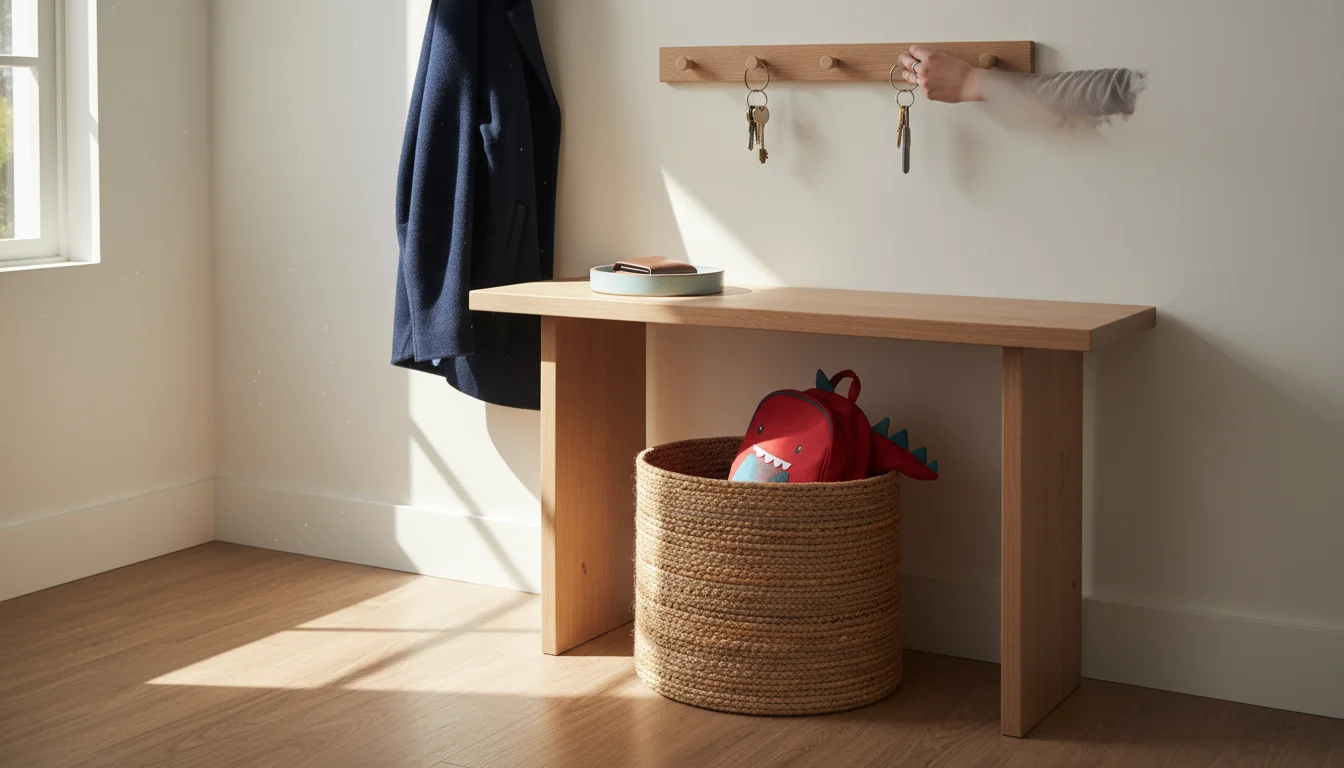
A well-placed desk can even function as a secondary hub when paired with small entryway organization strategies for managing daily essentials.
If you are working with limited square footage, applying principles from studio apartment organization can help maximize every inch of your desk area.
Beyond pure productivity, learning how to create a cozy home office ensures your workspace is a place you genuinely enjoy spending time in.
Whether you work from a dedicated spare bedroom or a carved-out corner of your living room, the state of your desk directly impacts your cognitive load. Visual clutter competes for your attention, slowly draining your mental reserves while elevating stress levels. Organizing this space goes far beyond making it look presentable for video calls—it requires building functional systems that support the specific way you execute your job.
You need a space that works as hard as you do. By implementing strategic home office organization techniques, you can transform a chaotic desk into a streamlined command center. We will walk through exactly how to purge the excess, establish intuitive storage systems, conquer the dreaded cable nest, and maintain your newly organized environment day after day.

The Purge: Office Declutter Tips That Actually Stick
Before you can organize, you must ruthlessly eliminate the unnecessary. Attempting to organize clutter only results in neatly arranged trash. Your first actionable step is to completely empty your workspace. Remove every pen, notebook, peripheral device, and piece of paper from your desk surface and drawers. Pile it all in another room or on the floor behind you so you are forced to evaluate every single item before granting it permission to return to your work zone.
Returning non-office items to their proper place, like using proven kitchen organization ideas for culinary tools, keeps each room functional.
As you process this mountain of supplies, divide items into four strict categories: Keep, Archive, Relocate, and Trash/Recycle. Apply the following rules to streamline the decision-making process:
- The Ink Test: Test every single pen and marker. Discard anything that skips, bleeds, or requires vigorous scribbling to produce ink. You only need a handful of reliable writing instruments.
- The Tech Graveyard: Identify the mysterious charging cables, obsolete flash drives, and adapters belonging to devices you no longer own. E-waste recycling centers will gladly take these off your hands.
- The Household Migration: Remove the items that naturally migrated to your desk but belong elsewhere. Return the screwdrivers to the toolbox, the measuring tape to the utility drawer, and the children’s toys to the playroom.
- The Paper Assessment: Shred outdated documents containing sensitive information; recycle old meeting agendas, expired coupons, and reference materials that you can easily find online.
“Clutter is caused by a failure to return things to where they belong. Therefore, storage should reduce the effort needed to put things away, not the effort needed to get them out.” — Marie Kondo, Organizing Consultant and Author
Once you have reduced your inventory to the absolute essentials, clean the physical space. Wipe down your desk, sanitize your keyboard, and dust your monitor. Starting with a clean, blank slate provides an immediate psychological boost and clarifies exactly how much functional space you actually possess.
Establishing Ergonomic Work Zones
Excellent desk organization ideas rely on a simple concept utilized in industrial engineering: the ergonomics of reach. You should arrange your workspace based on the frequency of use. Imagine your desk divided into three concentric semi-circles radiating outward from your chair.
For items you rarely use, consider under-bed storage ideas to keep your office completely clear of long-term archives.
Focusing on a proper ergonomic home office setup is the best way to prevent strain and chronic discomfort.
The Primary Zone (Immediate Reach)
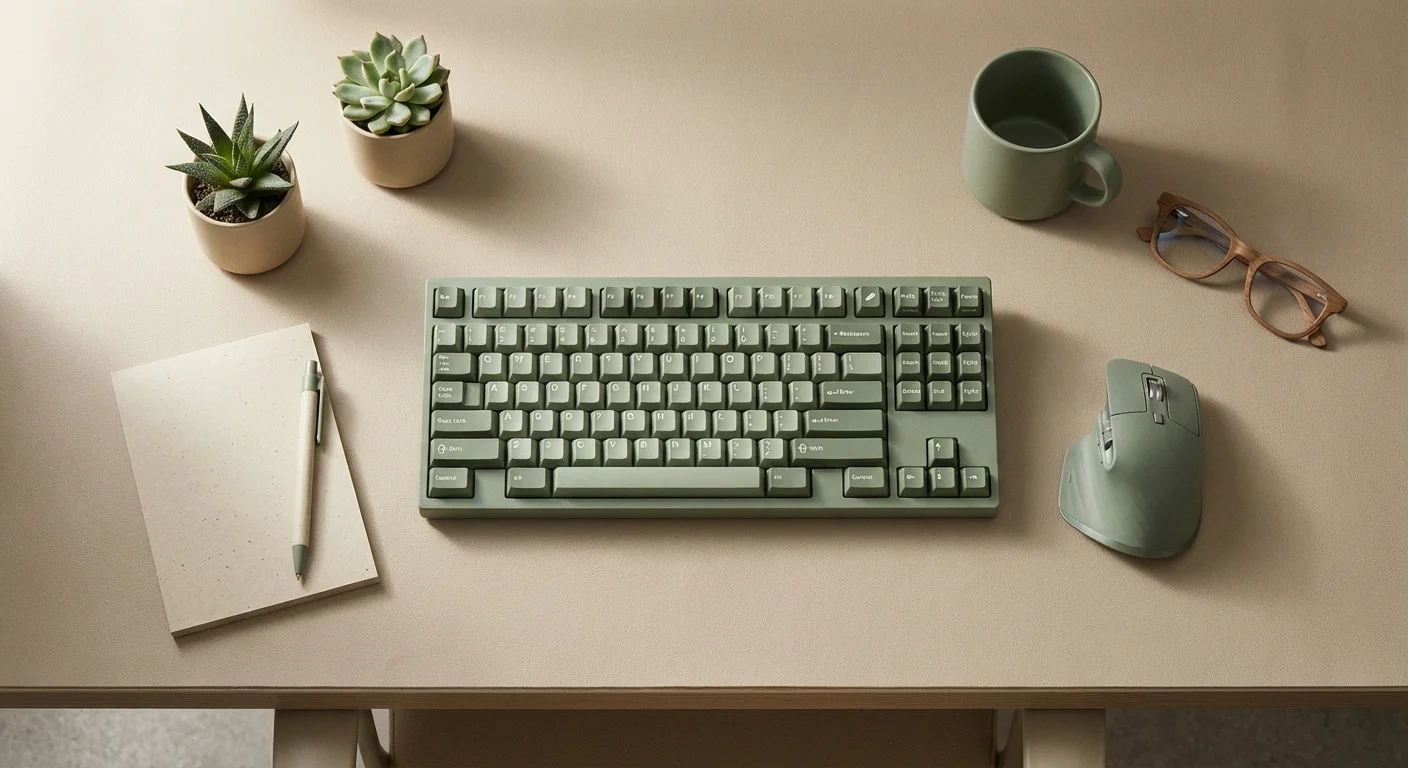
This is the space you can comfortably reach while sitting back in your chair with your elbows at your sides. Reserve this premium real estate strictly for items you use continuously throughout the day: your keyboard, mouse, primary monitor, and a singular notebook or notepad. Keeping this zone entirely clear of secondary supplies prevents you from feeling visually crowded while you type or read.
The Secondary Zone (Extended Reach)
This area encompasses the outer edges of your desk surface, which you can reach by extending your arms or leaning slightly forward. House your daily tools here. Think of your physical inbox, a minimalist pen cup holding your three favorite pens, a task lamp, and your beverage coaster. Everything in this zone supports your primary tasks without encroaching on your active working area.
The Tertiary Zone (Out of Reach)
This zone includes your desk drawers, overhead shelves, filing cabinets, and adjacent bookcases. It requires standing or rolling your chair to access. Use this space for weekly or monthly reference materials, bulk office supplies (like extra staples and reams of printer paper), and long-term file storage. By pushing non-essential items into the tertiary zone, you protect your primary and secondary zones from gradual clutter accumulation.
Desk Organization Ideas for Drawers and Surfaces
Surfaces attract clutter like magnets. If you leave a flat surface empty, paperwork and coffee cups will naturally find their way there. To combat this, you must give every remaining item a highly specific home.
For the desktop itself, utilize a small, shallow tray to serve as a “catch-all” for small items that inevitably cross your desk during the day—paperclips, a spare key, or a flash drive. Containing these items in a defined boundary prevents them from scattering across your work surface. A monitor stand with built-in shelving underneath provides an excellent way to reclaim vertical space; you can slide your keyboard or a laptop underneath it at the end of the day, instantly tidying the desk.
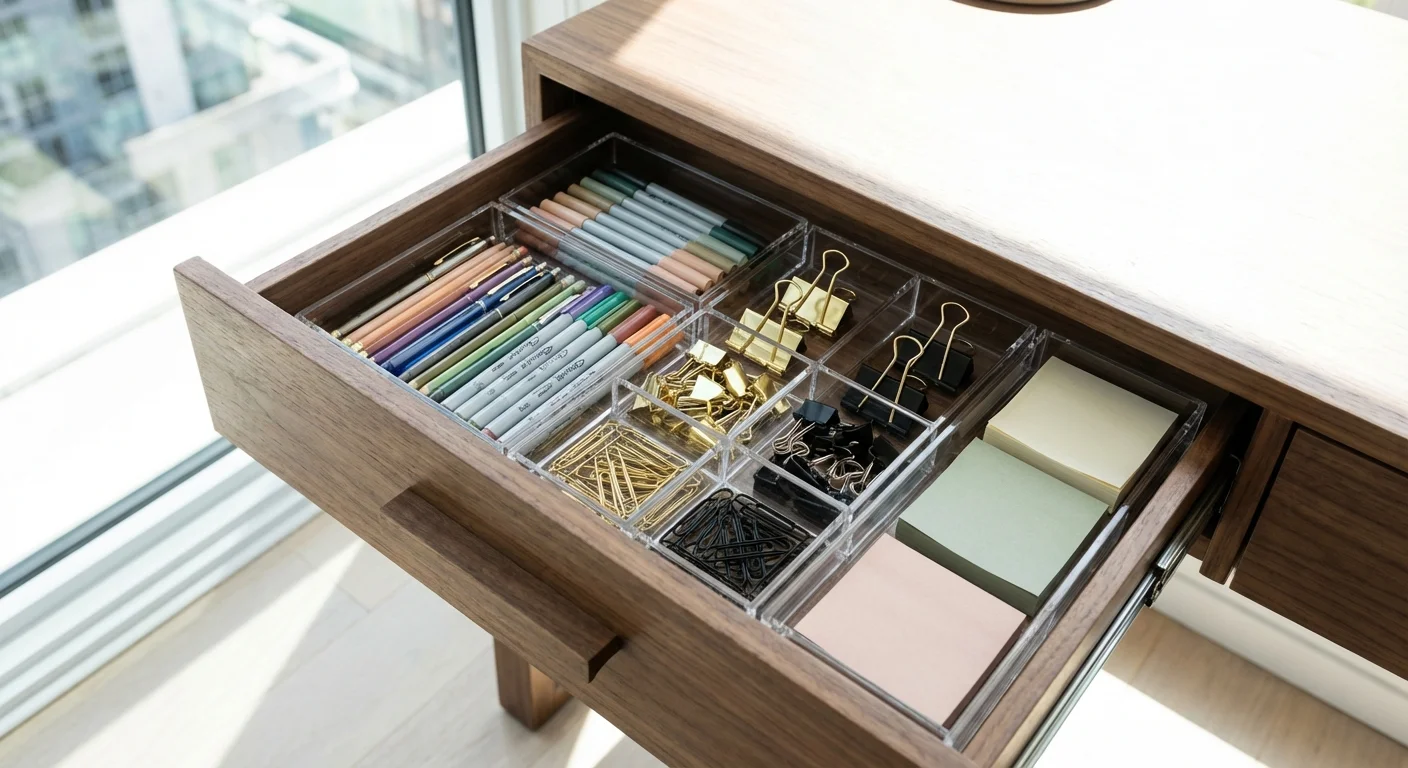
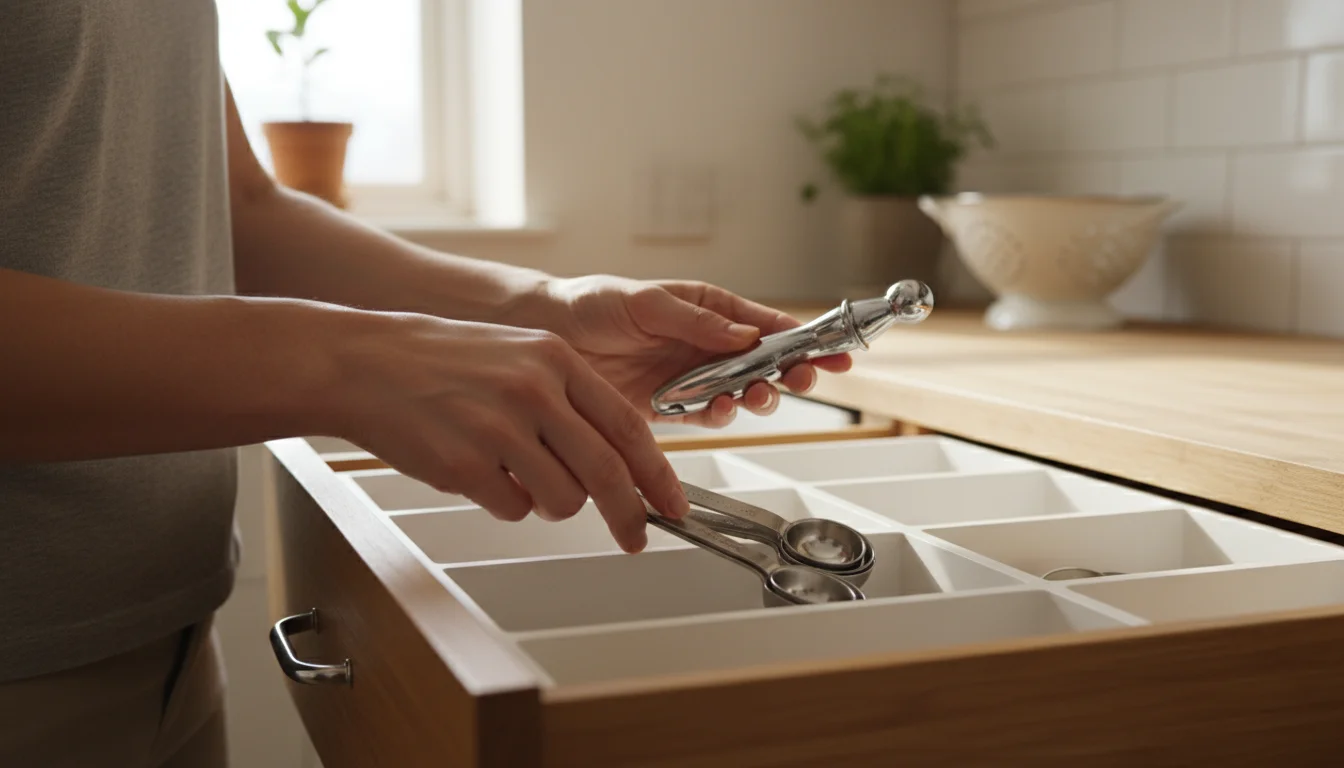
Drawer organization requires equal attention. A large, unpartitioned drawer quickly devolves into a chaotic junk drawer where items roll around every time you open it. Measure your drawers carefully and invest in modular acrylic or bamboo drawer organizers. You can find excellent, highly customizable options through retailers specializing in organization, such as The Container Store. Group similar items together: create a compartment strictly for sticky notes, a long channel for writing implements, and small cubbies for binder clips and pushpins. When everything has a micro-boundary, the system maintains itself.
Taming the Tangled Web: Cable Management Home Office Solutions
Nothing sabotages a beautiful workspace faster than a waterfall of black and gray cords dangling behind your desk. Proper cable management home office execution transforms a setup from looking like a server room into a sophisticated, intentional workspace. It also protects your equipment by preventing cords from stretching, fraying, or being accidentally kicked out of the wall.
Tackling cord chaos requires a systematic approach. Do not attempt to manage cables while they are plugged in and woven together. Unplug everything from the surge protector and untangle the mass completely. Follow this step-by-step method to achieve a seamless look:
- Mount the Power Hub: Never leave your surge protector resting on the floor where it collects dust and foot traffic. Use heavy-duty double-sided mounting tape or screws to attach the power strip to the underside of your desktop or the back panel of your desk. This immediately lifts the bulk of the cables off the floor.
- Route the Heavy Cables: Identify your thickest cables—usually monitor power cords and your PC/laptop power supply. Run these along the back edge of your desk. Install an under-desk cable management tray or a J-channel wire raceway to hold these heavy lines securely in place.
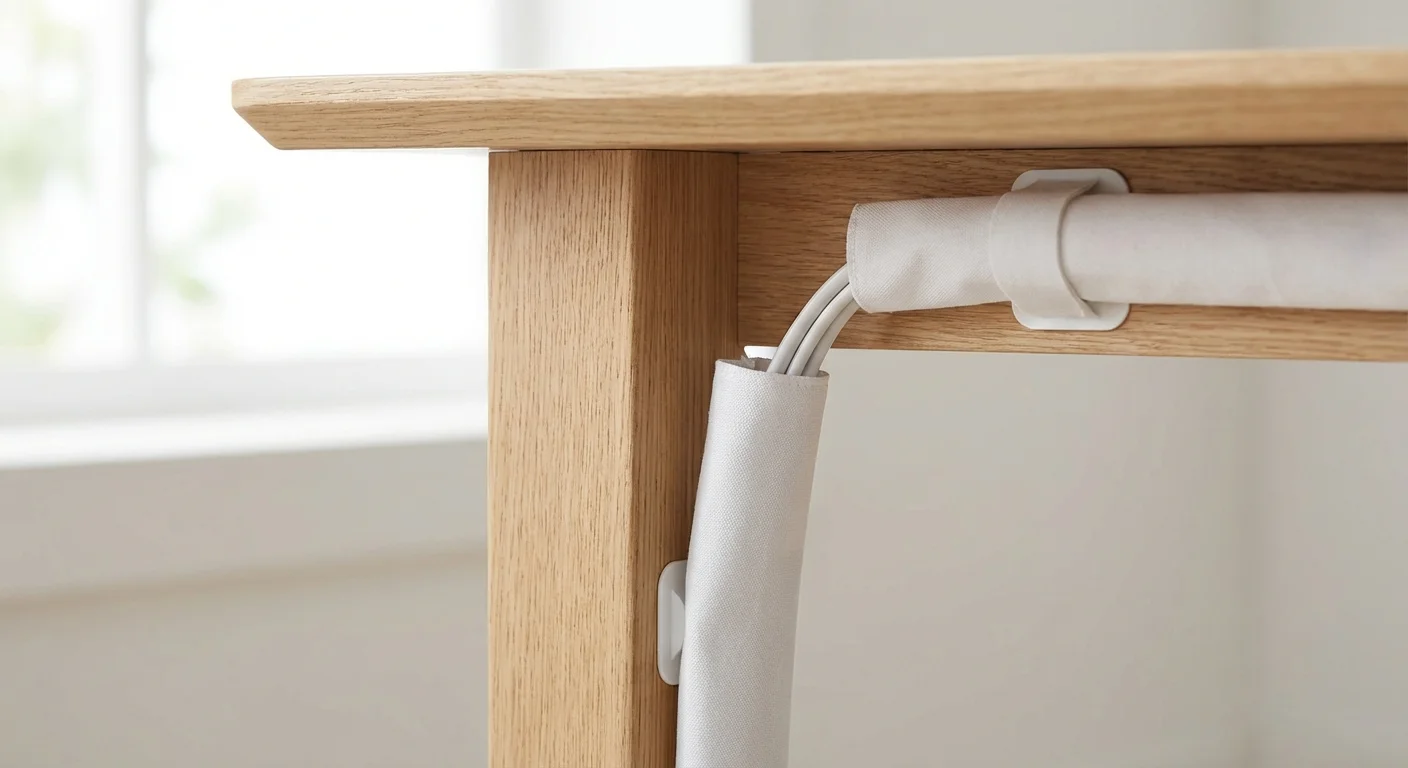
- Bundle the Travelers: Cables that travel the same path—such as two monitor cables connecting to the same docking station—should be bundled together. Use reusable Velcro cable ties rather than plastic zip-ties. Velcro allows you to easily add or remove a cord later without requiring scissors. For highly visible drops (where the bundled cables run from the desk down to the wall outlet), wrap the bundle in a flexible neoprene cable sleeve for a unified, clean appearance.
- Manage the Chargers: Phone chargers and peripheral cables often slide off the back of the desk when disconnected. Prevent this by attaching adhesive cable clips or weighted cord drops to the back edge of your desk surface. This keeps the connectors easily accessible exactly when you need them.
Mastering the Paper Trail
Despite living in a digital age, physical paper remains a significant hurdle in home office organization. Mail, receipts, printed reports, and handwritten notes require a definitive workflow to prevent them from overtaking your workspace.
For a deeper dive into managing documents, check out our complete paper clutter solution for every room in your home.
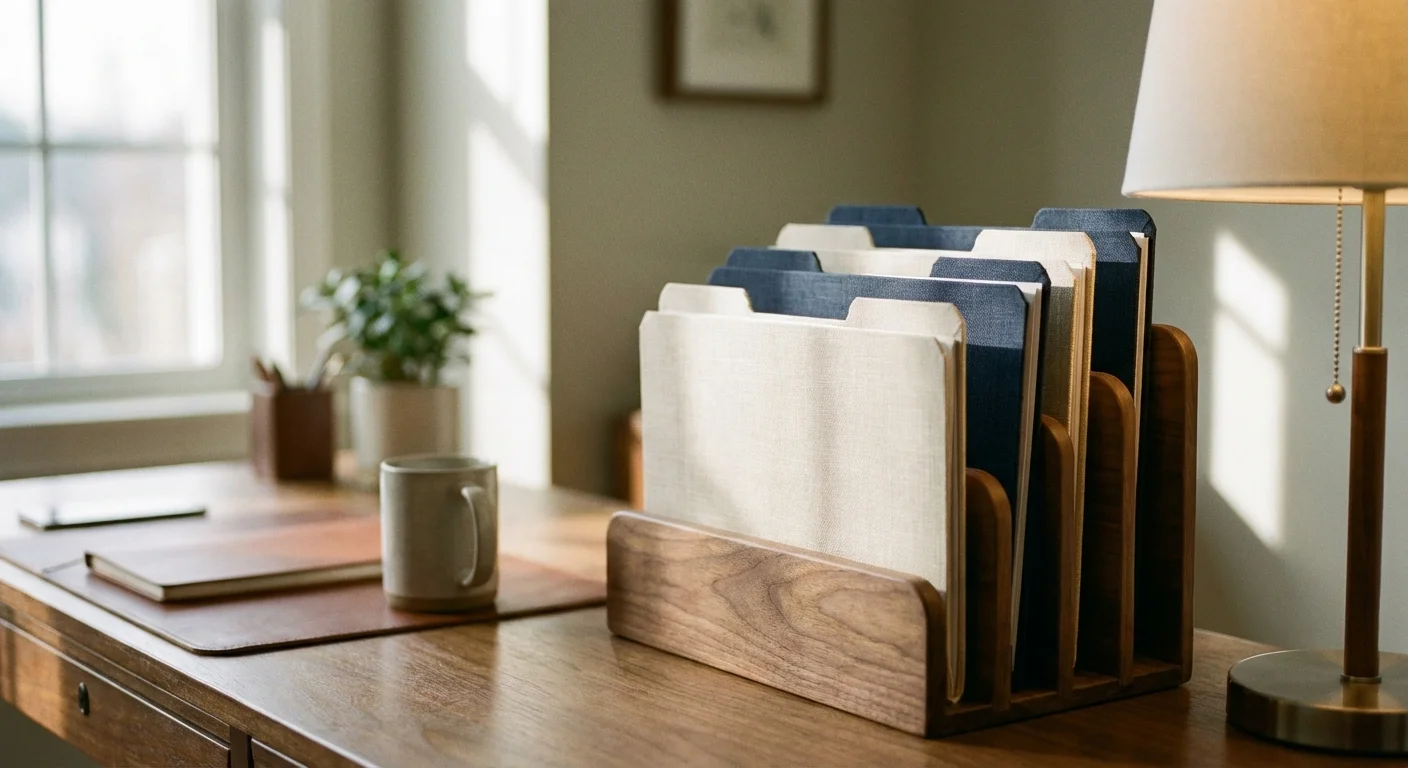
Adopt a “touch it once” philosophy for incoming paper. When a document lands on your desk, make an immediate decision: file it, act on it, or shred it. To support this habit, establish an actionable desktop filing system. A simple tiered desktop sorter works perfectly for this. Label three distinct categories:
- To Do: Bills requiring payment, forms requiring signatures, or documents needing your immediate review.
- To File: Completed paperwork that needs to be moved to long-term storage during your weekly office maintenance.
- To Read: Industry magazines, reference articles, or non-urgent correspondence.
For long-term storage, transition away from bulky, lateral filing cabinets if you do not actively require them. Many homeowners find that digitizing documents with a high-speed scanner and storing them securely in the cloud eliminates the need for physical filing entirely. Keep a small, fireproof lockbox solely for vital physical documents like birth certificates, passports, and property deeds.
Comparing Storage Solutions for Your Workspace
Selecting the right storage architecture depends heavily on your specific workflow, the square footage of your office, and your visual preferences. Below is a breakdown of the primary storage systems to help you match the solution to your specific needs.
| Storage Type | Best Used For | Visual Impact | Cost & Implementation |
|---|---|---|---|
| Traditional Filing Cabinets | High-volume paper storage, sensitive documents, legal files. | Heavy and corporate. Can dominate a small room. | Moderate to High. Requires floor space. |
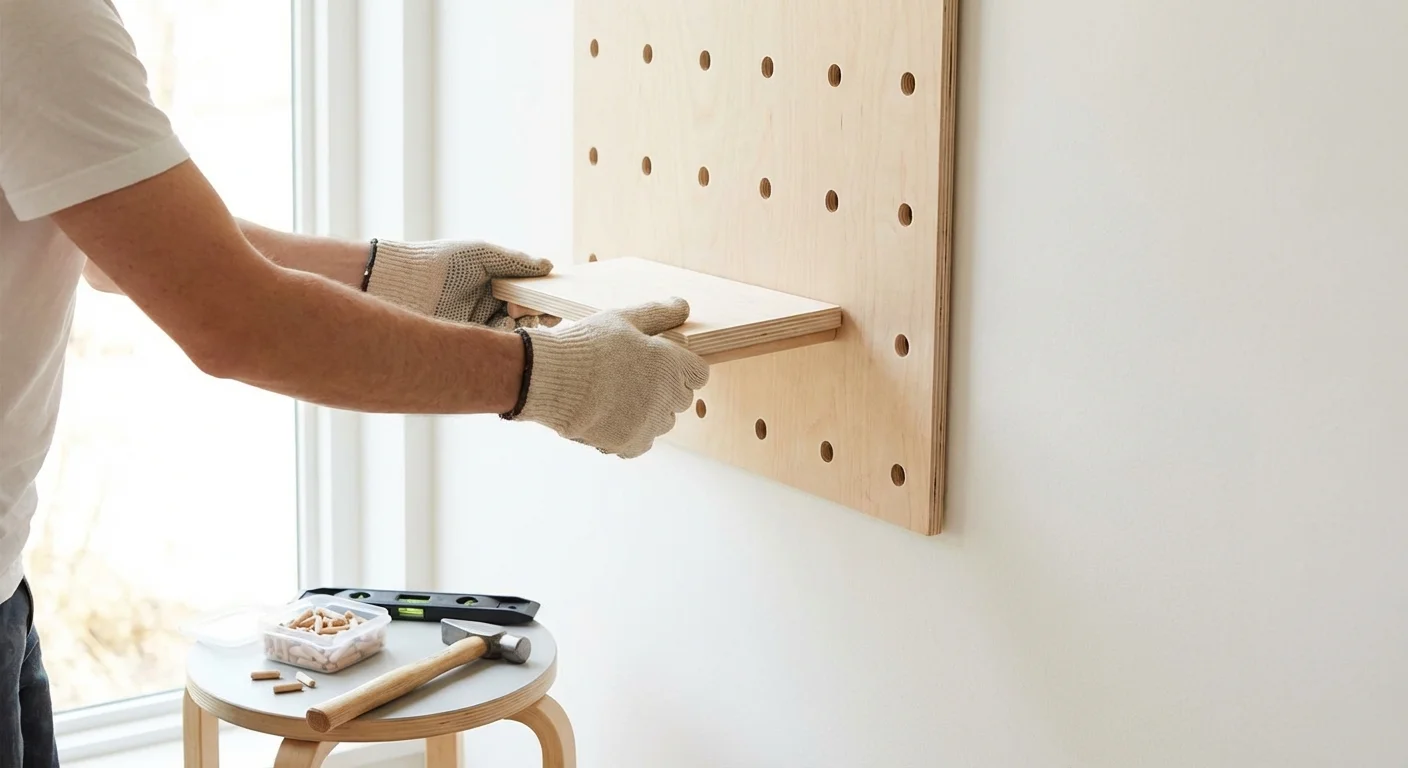
| Open Floating Shelves | Books, decorative items, matching storage boxes, framed credentials. | Light and airy. Makes the room feel larger but requires diligent tidiness. | Low to Moderate. Requires wall mounting and stud finding. |
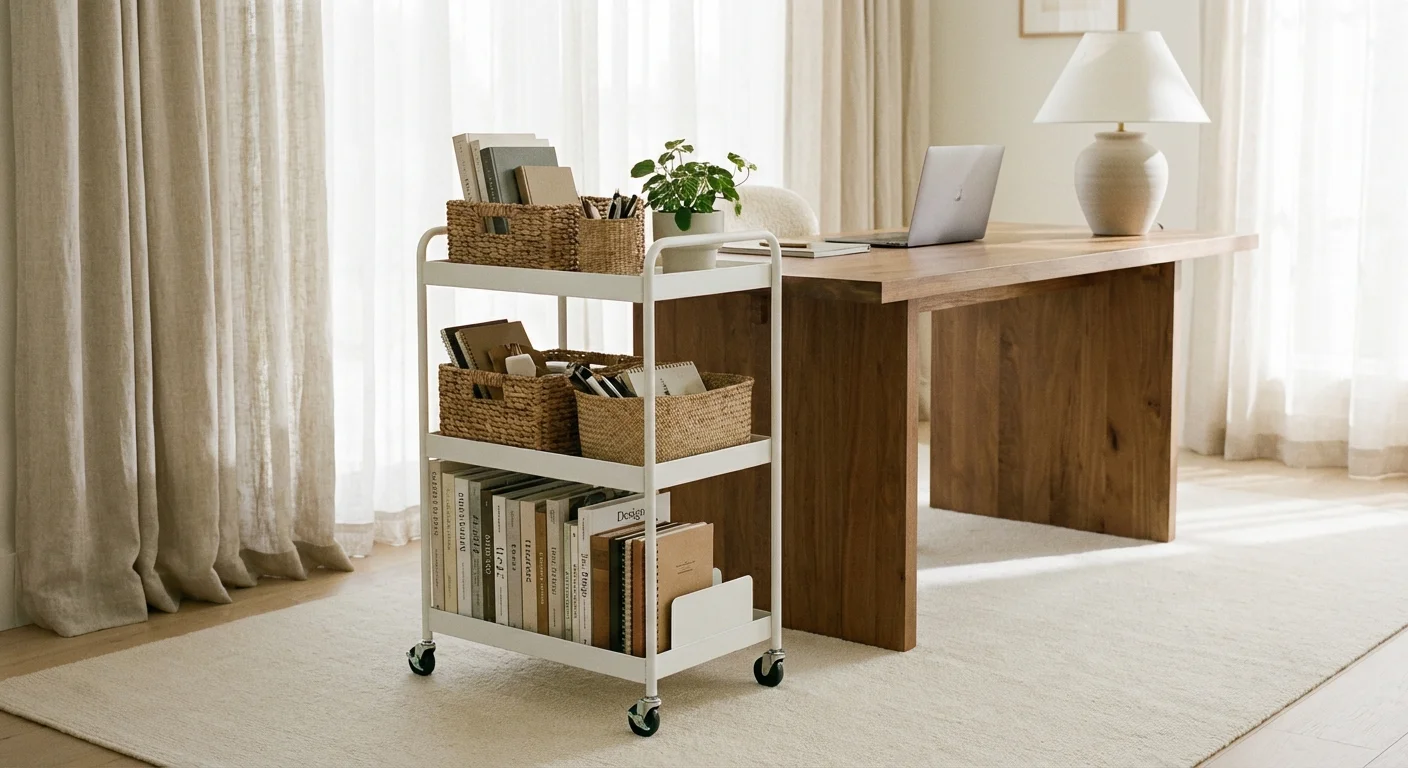
| Rolling Storage Carts | Craft supplies, technology peripherals, secondary tools that need to move. | Casual and highly functional. Easily tucked into closets when not in use. | Low. Excellent for renters or multi-use spaces. |
| Closed Cabinetry / Credenzas | Hiding ugly equipment (printers, shredders), bulk supplies, messy reference binders. | Clean, cohesive, and professional. Hides visual clutter entirely. | High. Often requires a larger footprint but provides maximum concealment. |
For ideas on how to seamlessly blend these storage types into a cohesive design, authoritative home design resources like Real Simple frequently showcase excellent examples of combining open and closed storage to maintain both functionality and aesthetic appeal.
Lighting and Environment: The Invisible Organizers
Organization extends beyond physical objects; it encompasses the management of the environment itself. Poor lighting makes a space feel cramped, chaotic, and uninviting, effectively undermining your hard work in decluttering.
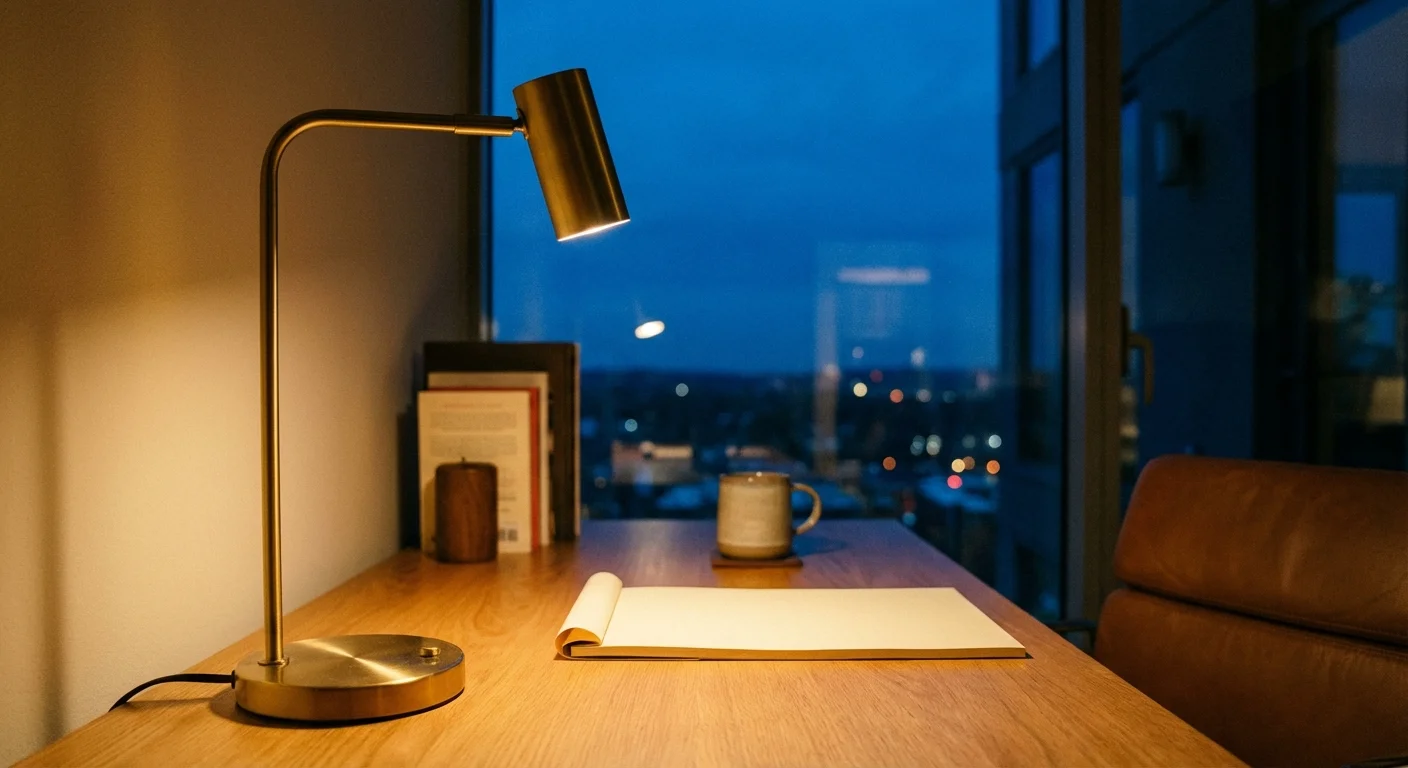
Relying solely on an overhead ceiling fixture casts harsh shadows over your workspace, increasing eye strain and fatigue. A well-organized office employs layered lighting. Maximize natural light by positioning your desk perpendicular to the window—this reduces screen glare while still providing the mood-boosting benefits of sunlight. Add a dedicated, articulated task lamp to your secondary zone to illuminate paperwork. Finally, consider ambient lighting, such as an LED bias strip attached to the back of your monitor, which gently illuminates the wall behind your screen and drastically reduces eye strain during late-night work sessions.
Furthermore, consider your digital environment. A physically pristine desk means little if your computer desktop is littered with hundreds of unsorted files and your inbox boasts thousands of unread emails. Dedicate the last ten minutes of your workday to a “digital sweep”—closing unnecessary browser tabs, moving files into their proper cloud folders, and flagging crucial emails for the next morning. Aligning your physical and digital organization creates a comprehensive productive home office setup.
Professional vs. DIY Home Office Optimization
While most home office organization projects are highly accessible for the average homeowner or renter, certain upgrades benefit significantly from professional intervention. Understanding where to allocate your budget ensures a safe, highly functional result.
- Basic Decluttering and Drawer Optimization (DIY): Sorting supplies, applying drawer dividers, and setting up desktop paper management systems are prime DIY tasks. These require little financial investment and rely primarily on your personal workflow preferences.
- Cable Management and Monitor Arms (DIY): Installing under-desk raceways, clamping monitor arms to your desk, and wrapping cords can easily be accomplished with basic tools and an afternoon of focused effort.
- Custom Built-in Cabinetry (Professional): If you want floor-to-ceiling bookshelves or a custom desk built into a challenging alcove, hire a local carpenter or cabinet maker. They will ensure the structures are properly anchored, perfectly leveled, and customized to hide specific equipment like bulky printers or shredders.
- Electrical Modifications and Hardwiring (Professional): If your current desk location leaves you stretching extension cords across the room, or if you consistently trip the circuit breaker with your office equipment, hire a licensed electrician. Relocating outlets, installing floor-mounted receptacles, or adding dedicated circuits are strictly professional jobs due to safety and fire code compliance.

Common Mistakes to Avoid When Designing Your Office
Even with the best intentions, certain organizational traps can derail your progress. Avoid these frequent missteps to ensure your home office remains functional long after the initial setup.
Buying Storage Solutions Prematurely: The most common mistake people make is rushing to buy matching bins, baskets, and file folders before they have actually purged their belongings. You must know exactly what you are storing and measure your available space before purchasing containers; otherwise, the containers themselves simply become more clutter.
Prioritizing Form Over Function: Social media is flooded with images of pristine, minimalist glass desks featuring a single laptop and a succulent. While beautiful, these setups rarely accommodate the reality of an eight-hour workday. A desk without drawers forces you to leave everything on the surface or constantly walk across the room for supplies. Choose furniture based on how you actually work, not just how it looks.
Ignoring the “Drop Zone”: Every office needs a transitional space where items can land temporarily before being processed. If you do not intentionally designate an inbox tray or a specific corner for incoming mail and project notes, your keyboard and primary work zone will automatically become the drop zone.
Failing to Establish a Maintenance Routine: Organization is not a one-time event; it is a daily practice. A perfectly structured office will deteriorate within a week if you do not maintain it. The secret to a permanently tidy workspace lies in the daily reset.

The Power of the Daily Reset
To keep your home office functioning optimally, you must implement a “shutdown routine” at the end of every workday. This process takes fewer than five minutes but pays massive dividends the following morning.
When you finish working, clear all coffee cups and water glasses and take them to the kitchen. Return your pens to their cup, place your notes in your designated inbox, and push your chair in. Wipe down the primary zone of your desk. By physically closing out the space, you send a psychological signal to your brain that the workday has concluded, helping to enforce the boundary between your professional and personal life. When you return the next morning, you are greeted by a clean, ready-to-use command center rather than the stressful residue of yesterday’s tasks.
Frequently Asked Questions About Home Office Organization
How do I organize a home office with very little or no built-in storage?
Maximize your vertical space. Install floating shelves above your desk to hold reference materials and attractive storage boxes. Utilize the dead space under your desk with a slim, rolling filing cart. If you lack closet space, consider a tall bookcase fitted with opaque bins or baskets; keeping items in uniform, solid containers hides the visual clutter of mixed supplies while providing massive storage capacity.
What is the best way to hide cords on a glass desk?
Glass desks present a unique cable management challenge because you cannot hide cords underneath the surface. First, transition to wireless peripherals (mouse and keyboard) to eliminate tabletop cords. For the remaining essential cables (monitor and power), bundle them tightly using a sleek cable sleeve or a flexible spine. Route this single, unified bundle directly down one of the desk’s legs, securing it with clear zip ties or specialized transparent clips.
How often should I clean out my home office files?
Aim for a minor review once a month and a major purge once a year. Your monthly review should focus on processing the temporary paperwork in your actionable folders. Your annual purge—often best scheduled around tax season—should involve archiving the previous year’s financial documents, shredding expired warranties, and clearing out reference materials for projects that have permanently concluded.
Can plants genuinely help my home office setup?
Absolutely. While they take up physical space, low-maintenance plants like snake plants or pothos soften the hard angles and electronic dominance of a workspace. They reduce stress, add necessary color, and improve the overall atmosphere of the room, making it a space where you actually enjoy spending time.
Reclaiming Your Focus
Transforming your workspace from a cluttered catch-all into a streamlined, productive home office setup takes focused effort, but the return on investment is immediate. By ruthlessly purging the unnecessary, organizing your supplies into ergonomic zones, and hiding the distracting visual noise of tangled cables, you remove the friction between you and your work.
Start small. Do not feel pressured to execute a total overhaul in a single weekend. Begin by emptying your desk surface today. Establish your primary work zone and route your most frustrating cables. As you experience the clarity and improved focus that comes from a functional environment, you will naturally find the motivation to tackle the drawers, the files, and the storage systems. Take control of your space, and watch how quickly you take control of your workday.
This is educational content based on general best practices. Individual results vary based on your home, budget, and circumstances. Always prioritize safety and consult professionals for major projects.
Last updated: February 2026







Leave a Reply