

Managing your home’s climate effectively helps you achieve ultimate comfort and reduce energy bills. As a busy homeowner or renter, you need solutions that fit your real life: practical, efficient, and easy to maintain. Smart thermostats offer exactly that, bringing advanced technology to your fingertips to optimize your heating and cooling. They provide a tangible path to a more energy-efficient home, offering convenience and significant savings without complex adjustments.
While a thermostat is a great first step, combining it with other proven energy-saving strategies can lead to even more significant household savings.
Whether you live in a sprawling house or a cozy apartment, understanding how to control your environment leads to a more comfortable and budget-friendly living space. This guide explores the best smart thermostats on the market, helping you choose the right device to start saving energy and enhance your home’s automation. You will discover practical insights into their features, installation, and how to maximize their potential for long-term comfort and cost savings.
Understanding Smart Thermostats and Their Benefits
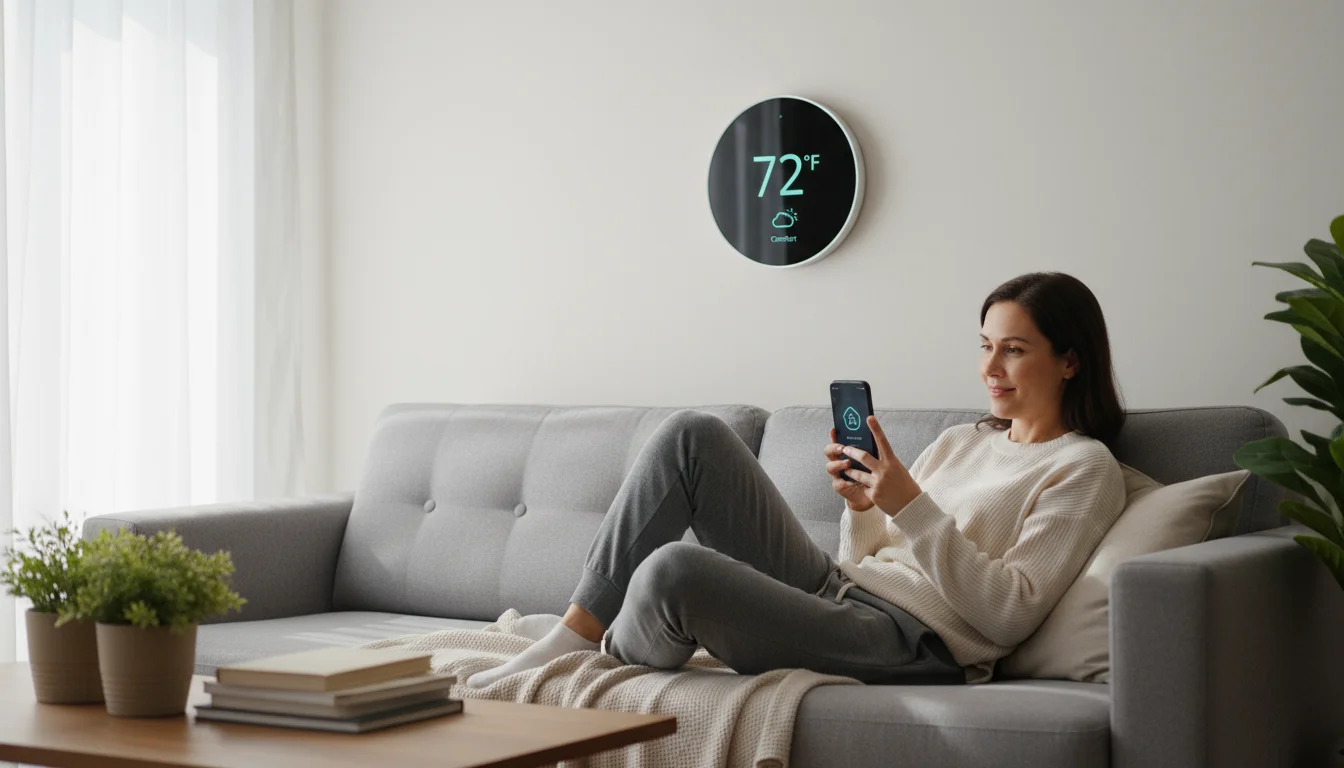
A smart thermostat elevates your home’s climate control beyond what traditional manual or even programmable thermostats offer. Traditional models require you to manually adjust temperatures or follow a fixed schedule. A smart thermostat, however, connects to your home’s Wi-Fi, allowing you to control your heating and cooling system remotely through a smartphone app, tablet, or even voice commands.
To get the most out of your climate control, consider following comprehensive weatherization steps to seal drafts and keep the warmth where it belongs.
Properly managing your indoor climate is a key step when you winterize your home to maintain warmth and efficiency throughout the season.
Smart thermostats integrate various intelligent features to adapt to your lifestyle. These devices learn your preferences, adjust based on occupancy, monitor external weather conditions, and provide detailed energy reports. This capability ensures your home remains comfortable only when necessary, avoiding wasted energy when you are away or asleep.
The benefits of installing a smart thermostat extend beyond simple convenience:
- Enhanced Comfort: You maintain precise control over your home’s temperature, ensuring optimal comfort at all times.
- Significant Energy Savings: By optimizing heating and cooling schedules, you reduce energy consumption, leading to lower utility bills.
- Remote Control: Adjust your home’s temperature from anywhere using your smartphone, ensuring your home is comfortable upon arrival or saving energy when you leave unexpectedly.
- Smart Home Integration: Many models seamlessly integrate with other smart home devices, allowing for comprehensive home automation.
- Detailed Energy Reports: These reports give you actionable insights into your energy usage, helping you identify opportunities for further savings.
- Increased Home Value: Smart home technology, including smart thermostats, adds modern appeal and value to your property.

How Smart Thermostats Drive Energy Efficiency
Smart thermostats are champions of energy efficiency because they minimize wasted energy. They accomplish this through several intelligent mechanisms that traditional thermostats simply cannot provide.
A smart device works much harder if your walls are leaky, so properly insulating your home is an essential partner to high-tech temperature management.
-
Learning Capabilities: Many advanced smart thermostats, like the Nest Learning Thermostat, observe your temperature adjustments over time. They learn your preferences, developing an optimized schedule that prioritizes comfort when you are home and saves energy when you are not. This automation means you do not need to remember to adjust settings; the thermostat does it for you.
-
Geofencing: This feature uses your smartphone’s location to detect when you leave or approach your home. As you depart, the thermostat automatically enters an energy-saving mode. As you return, it begins heating or cooling to your preferred temperature, ensuring comfort without unnecessary energy use. This is especially useful for unpredictable schedules.
-
Remote Access and Programming: You gain complete control over your HVAC system from anywhere in the world. Forgot to turn down the heat before leaving for vacation? No problem. A quick tap on your app resolves it, preventing days of wasted energy. This direct control empowers you to make real-time adjustments that impact your energy consumption.
-
Occupancy Sensors: Some smart thermostats include or integrate with sensors that detect motion or presence in rooms. If a room remains unoccupied for an extended period, the thermostat can adjust the temperature in that zone, further reducing energy waste. This precision targeting saves energy where it is not needed.
-
Weather Awareness: Smart thermostats connect to local weather forecasts. They can preemptively adjust settings based on anticipated outdoor temperatures, reducing strain on your HVAC system. For example, on a predicted hot day, it might pre-cool your home slightly to avoid overworking the system during peak demand.
-
Utility Programs and Rebates: Many energy providers offer incentives, rebates, or demand-response programs for smart thermostat owners. These programs might involve small adjustments to your thermostat during peak energy usage periods, earning you credits or discounts on your bill. According to Energy Star, choosing an Energy Star certified smart thermostat can save you an average of 8% on heating and cooling costs, potentially saving about $50 per year.
By leveraging these capabilities, a smart thermostat acts as a diligent energy manager, constantly seeking opportunities to reduce consumption without sacrificing your comfort. You take control of your energy footprint and see tangible savings on your utility bills.
Key Features to Consider in a Smart Thermostat
Choosing the right smart thermostat requires understanding the features that best suit your home and lifestyle. Not all thermostats offer the same capabilities, so consider these factors carefully:
For total indoor wellness, many homeowners also look into the best humidifiers for dry air to maintain comfortable humidity levels alongside a steady temperature.
If you are ready to upgrade, following a smart thermostat installation guide can help you handle the wiring and setup safely on your own.
-
HVAC System Compatibility: The most critical factor is ensuring the smart thermostat works with your existing heating and cooling system. Check if your system is conventional, heat pump, or multi-stage. Also, determine if you have a C-wire (common wire), which provides continuous power to the thermostat. Many smart thermostats require a C-wire, while some offer workarounds or battery power.
-
Remote Access and App Control: All smart thermostats offer app control. Evaluate the app’s user-friendliness, its reliability, and the depth of control it provides. Can you easily create schedules, monitor energy usage, and receive alerts?
-
Learning vs. Programmable: Decide if you prefer a thermostat that learns your habits (e.g., Nest) or one that offers advanced, flexible scheduling you manually set (e.g., Ecobee). Both save energy, but the “learning” feature offers more automation.
-
Geofencing: If you have an unpredictable schedule, geofencing is invaluable. It automatically adjusts your home’s temperature based on your proximity, ensuring you only heat or cool when you are actually home.
-
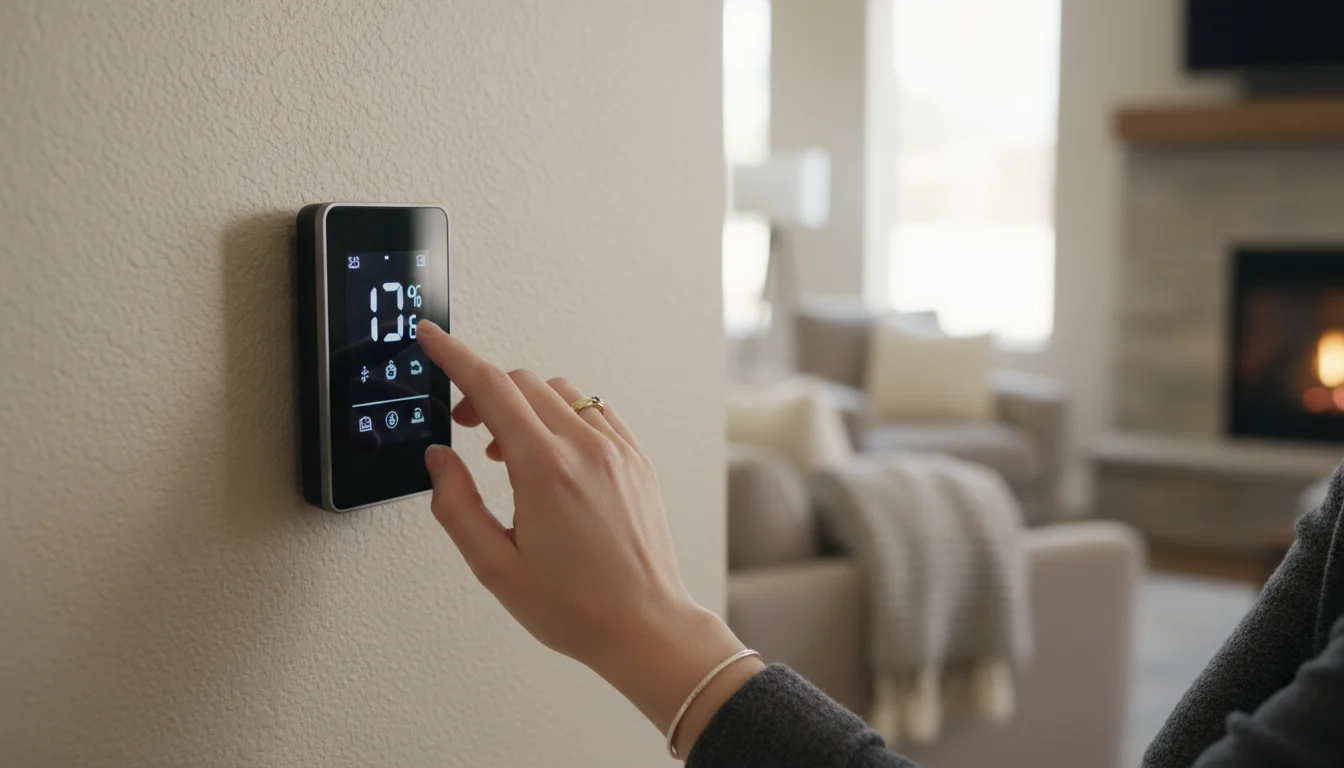
Room Sensors: For homes with uneven temperatures or multiple occupants, room sensors are a game-changer. They measure temperature in specific rooms, allowing the thermostat to prioritize comfort in occupied areas. This avoids overheating or overcooling unused spaces.
-
Voice Control Integration: If you use smart speakers like Amazon Alexa or Google Assistant, choose a thermostat that seamlessly integrates for hands-free control.
-
Energy Reporting and Insights: Look for a thermostat that provides clear, actionable data on your energy usage. These reports help you understand where your energy goes and how your adjustments impact savings. According to Consumer Reports, detailed energy usage reports are a key factor in maximizing savings and understanding your home’s energy consumption patterns.
-
Display and Interface: Some prefer a sleek, minimalist design, while others value a large, easy-to-read screen with intuitive controls directly on the device.
-
Installation Complexity: Consider if you are comfortable with a DIY installation or prefer professional help. Some thermostats offer simpler wiring processes than others.
-
Price and Value: Smart thermostats range in price. Factor in not just the upfront cost, but also potential energy savings and features that truly add value to your specific situation.
Top Smart Thermostat Recommendations for Every Home
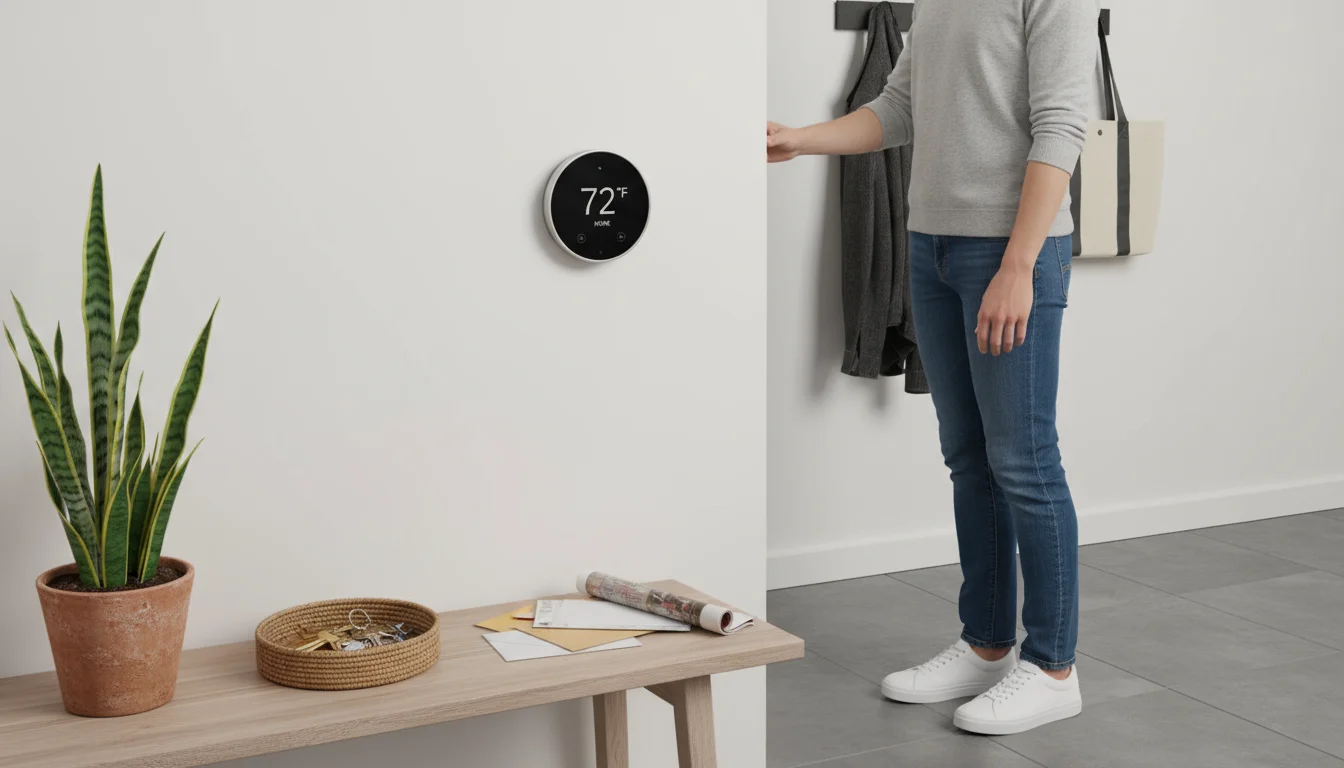
Selecting the right smart thermostat depends on your specific needs, budget, and desired features. Here are our top recommendations, highlighting their strengths and who they best serve, helping you make an informed decision for improved home automation and energy efficiency.
Don’t forget that soft finishes, like warm area rugs, can make a room feel physically warmer and cozier without you having to touch the dial.
If you are looking to further modernize your space, our energy-efficient appliance guide highlights other high-impact upgrades for a sustainable home.
Nest Learning Thermostat (3rd Generation)
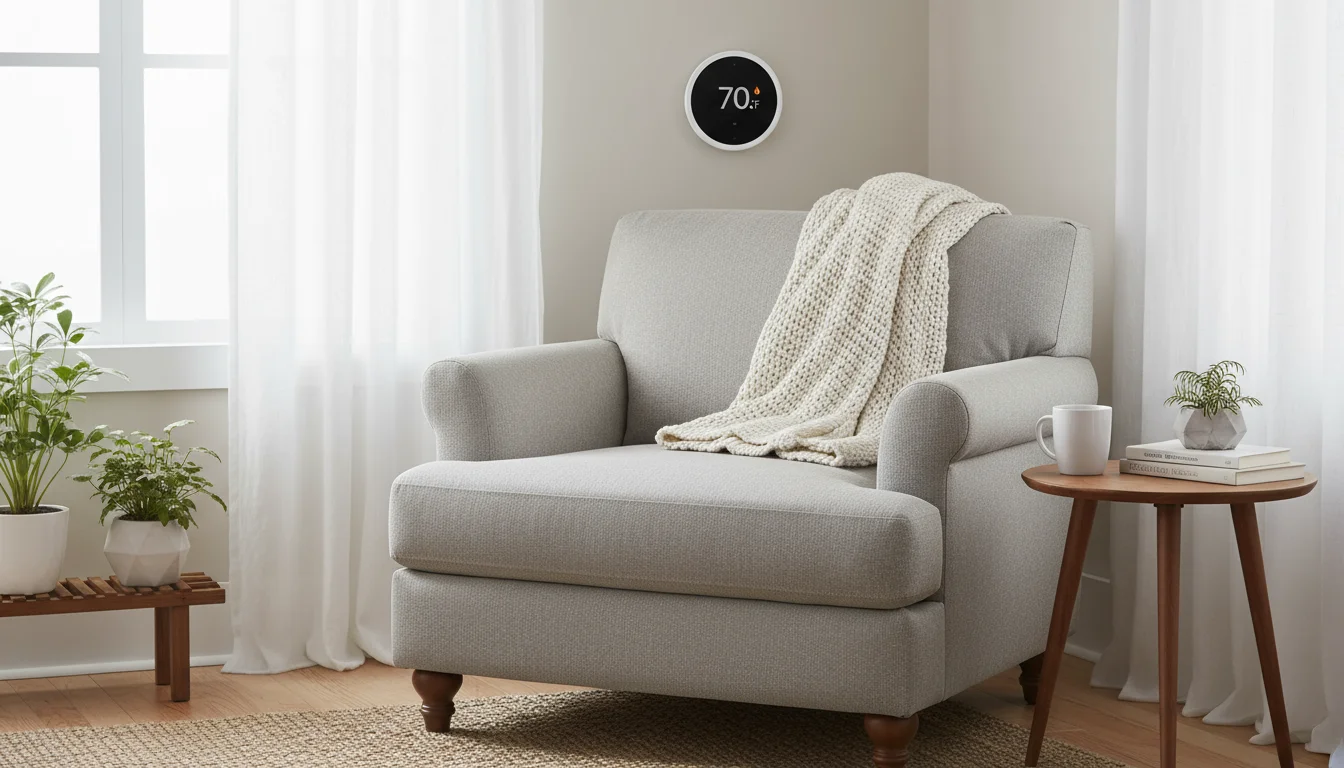
- Key Features: Learns your schedule and preferences over time, Auto-Away feature using internal sensors, geofencing, Farsight display, detailed energy history reports, compatible with most HVAC systems (requires a C-wire for optimal performance, though can often operate without one temporarily with battery power).
- Pros: Intuitive and aesthetically pleasing design, excellent learning algorithm, integrates well with other Google Nest products, offers significant energy savings without manual programming.
- Cons: Higher price point, learning curve for some users who prefer manual control, some HVAC systems might still necessitate a C-wire for consistent operation.
- Best For: Users who want a truly “set it and forget it” experience, busy individuals with somewhat consistent schedules who appreciate automation, and those already invested in the Google Nest ecosystem. Its ability to learn your habits means less manual input from you, maximizing convenience and energy efficiency.

Ecobee Smart Thermostat Premium
- Key Features: Includes an indoor air quality monitor, voice control with Alexa built-in, remote room sensors for hot or cold spots, geofencing, “Follow Me” mode, smart home integration, comprehensive energy reports, robust HVAC compatibility (requires a C-wire).
- Pros: Superior temperature balancing with included remote sensors, excellent voice control capabilities, air quality monitoring adds another layer of home comfort and health, comprehensive app control, and robust scheduling options.
- Cons: Higher price, potentially more complex setup due to additional features and sensors, the built-in microphone raises privacy concerns for some users.
- Best For: Homes with uneven heating/cooling, users who want precise temperature control across multiple rooms, smart home enthusiasts seeking advanced integration and voice control, and those prioritizing indoor air quality monitoring. The Ecobee excels at ensuring comfort where you are.

Honeywell Home T9 Smart Thermostat with Smart Room Sensors
- Key Features: Supports up to 20 remote room sensors, geofencing, flexible scheduling, intuitive touchscreen display, compatible with Amazon Alexa and Google Assistant, robust app control, energy usage reports (requires a C-wire).
- Pros: Excellent value for multi-zone temperature control, reliable performance, straightforward installation process, room sensors prioritize comfort in occupied spaces, less expensive than premium options while offering comparable features.
- Cons: Sensors are sold separately or in limited bundles, interface may feel less “premium” compared to Nest or Ecobee, does not have built-in voice assistant.
- Best For: Budget-conscious homeowners who still want effective multi-room temperature balancing, homes with specific hot or cold spots, and users who appreciate a reliable, straightforward smart thermostat without excessive bells and whistles. The Honeywell Home T9 provides fantastic functionality for its price point.
Comparison Table: Top Smart Thermostats
Here is a quick comparison to help you weigh your options:
| Feature | Nest Learning Thermostat | Ecobee Smart Thermostat Premium | Honeywell Home T9 |
|---|---|---|---|
| Learning Capabilities | Yes, learns your schedule | No, advanced scheduling | No, advanced scheduling |
| Room Sensors | Optional (sold separately) | Included (one sensor) | Optional (sold separately) |
| Voice Assistant Built-in | No (integrates with Google Home) | Yes (Alexa) | No (integrates with Alexa/Google) |
| C-wire Required | Recommended (often works without) | Yes | Yes |
| Air Quality Monitor | No | Yes | No |
| Price Point | High | High | Mid-Range |
Installation and Setup: What You Need to Know
Installing a smart thermostat can seem daunting, but it is often a manageable DIY project for homeowners comfortable with basic wiring. However, understanding the requirements ensures a smooth process.
Once your new device is installed, keeping up with long-term HVAC maintenance will ensure the entire system operates at peak efficiency for years to come.
DIY Installation Steps:
-
Power Off Your HVAC System: Before touching any wires, always turn off the power to your furnace or air handler at the circuit breaker. Safety first!
-
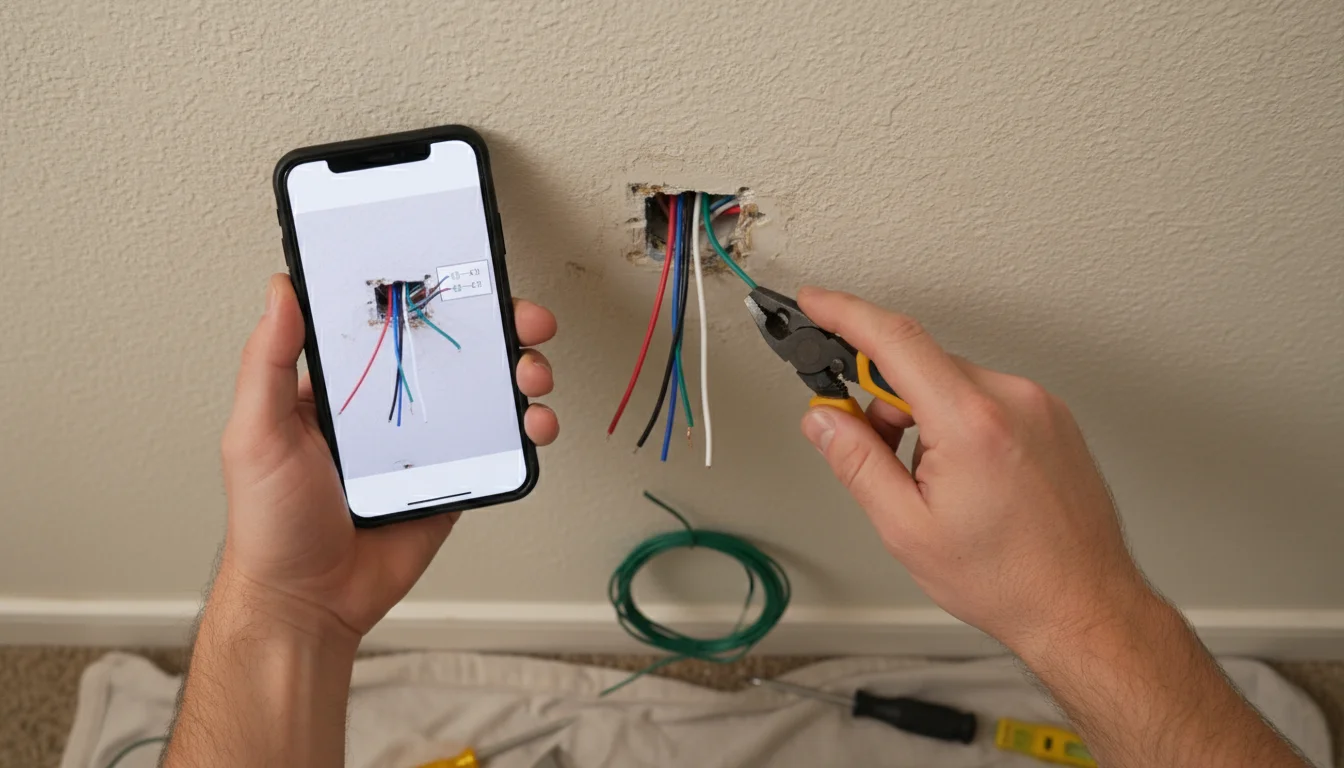
Remove Old Thermostat: Carefully remove the old thermostat’s cover. Take a photo of the existing wiring for reference. This is crucial for matching wires correctly.
-
Disconnect Wires: Label each wire as you disconnect it from the old thermostat terminals. Use the labels provided with your new smart thermostat kit, or use masking tape and a marker.
-
Check for a C-wire: Most smart thermostats require a “C-wire” (common wire) to provide continuous power. If you do not have one, check your thermostat’s manual. Some models include an adapter, while others might require you to pull a new wire or hire a professional. As noted by experts at This Old House, confirming C-wire compatibility before purchase prevents installation headaches.
-
Mount the New Base Plate: Install the new smart thermostat’s backplate onto the wall, threading the wires through the opening.
-
Connect New Wires: Connect the labeled wires to their corresponding terminals on the new smart thermostat’s backplate. Refer to your smart thermostat’s specific wiring diagram.
-
Attach the Thermostat Head: Secure the main thermostat unit to the backplate.
-
Restore Power and Setup: Turn the power back on at the circuit breaker. Follow the on-screen prompts on the thermostat and use the companion app to complete the setup process, including connecting to your Wi-Fi network and configuring your preferences.
When to Consider Professional Installation:
- If you are uncomfortable working with electrical wiring.
- If your HVAC system is complex or older.
- If you do not have a C-wire and the manufacturer does not provide a simple adapter.
- If you have a multi-zone system that requires specialized wiring.
Professional installation ensures correct wiring and optimal performance, giving you peace of mind.

Maximizing Your Energy Savings with Smart Thermostat Best Practices
Installing a smart thermostat is the first step toward significant energy savings. To truly maximize its potential and ensure optimal `energy efficiency`, you need to implement some best practices. These tips help you go beyond basic automation and fine-tune your settings for peak performance and comfort.
Beyond HVAC control, switching to energy-saving light bulbs is another simple, low-cost way to watch your monthly utility bills drop.
-
Optimize Your Schedule: Even with learning thermostats, reviewing and refining your schedule helps. Ensure your “away” temperature is set to a wider range than your “home” temperature. For example, aim for 68-70°F when home and 60-62°F when away or asleep during heating season. For cooling, aim for 74-76°F when home and 78-80°F when away. Small adjustments over long periods yield significant savings.
-
Utilize Geofencing Effectively: If your smart thermostat offers geofencing, activate it. Make sure all household members install the app on their phones if the system relies on multiple users’ locations. This ensures the system accurately detects when the last person leaves and the first person returns, preventing unnecessary heating or cooling.
-
Leverage Room Sensors: If your thermostat supports room sensors (like Ecobee or Honeywell Home T9), place them strategically in frequently used rooms or areas prone to temperature imbalances. Configure your system to prioritize comfort in occupied rooms, rather than relying solely on the main thermostat’s location. This prevents overcompensating for one area and saves energy in unused spaces.
-
Understand Energy Reports: Regularly review the energy usage reports provided by your thermostat’s app. These reports give you insights into when and how much energy you use. They help you identify patterns, understand the impact of your settings, and pinpoint areas for further optimization.
-
Participate in Utility Programs: Check with your local energy provider for demand response programs or rebates. Many utilities offer incentives for smart thermostat owners to allow minor temperature adjustments during peak energy demand. These small, often unnoticeable adjustments can earn you credits or savings on your bill.
-
Maintain Your HVAC System: A smart thermostat works best with an efficient heating and cooling system. Regularly replace your air filters, schedule annual professional maintenance, and ensure your ducts are sealed. A well-maintained system operates more efficiently, allowing your smart thermostat to do its job without extra strain.
-
Adjust for Seasonal Changes: Manually adjust your smart thermostat’s settings at the beginning of each heating and cooling season. While learning thermostats adapt, a quick review helps ensure settings align with current weather patterns and your seasonal preferences. For example, you might want to use a fan more in shoulder seasons.
-
Mind Your Windows and Doors: A smart thermostat can only do so much if your home lacks proper insulation. Keep windows and doors closed when your HVAC system runs. Consider weatherstripping and sealing drafts to prevent conditioned air from escaping, which compounds your smart thermostat’s efforts for `energy efficiency`.
By actively managing your smart thermostat and integrating it with other energy-saving habits, you unlock its full potential for comfort, cost savings, and a reduced carbon footprint. You take charge of your home’s energy consumption, making smart decisions that truly matter.
Troubleshooting Common Smart Thermostat Issues
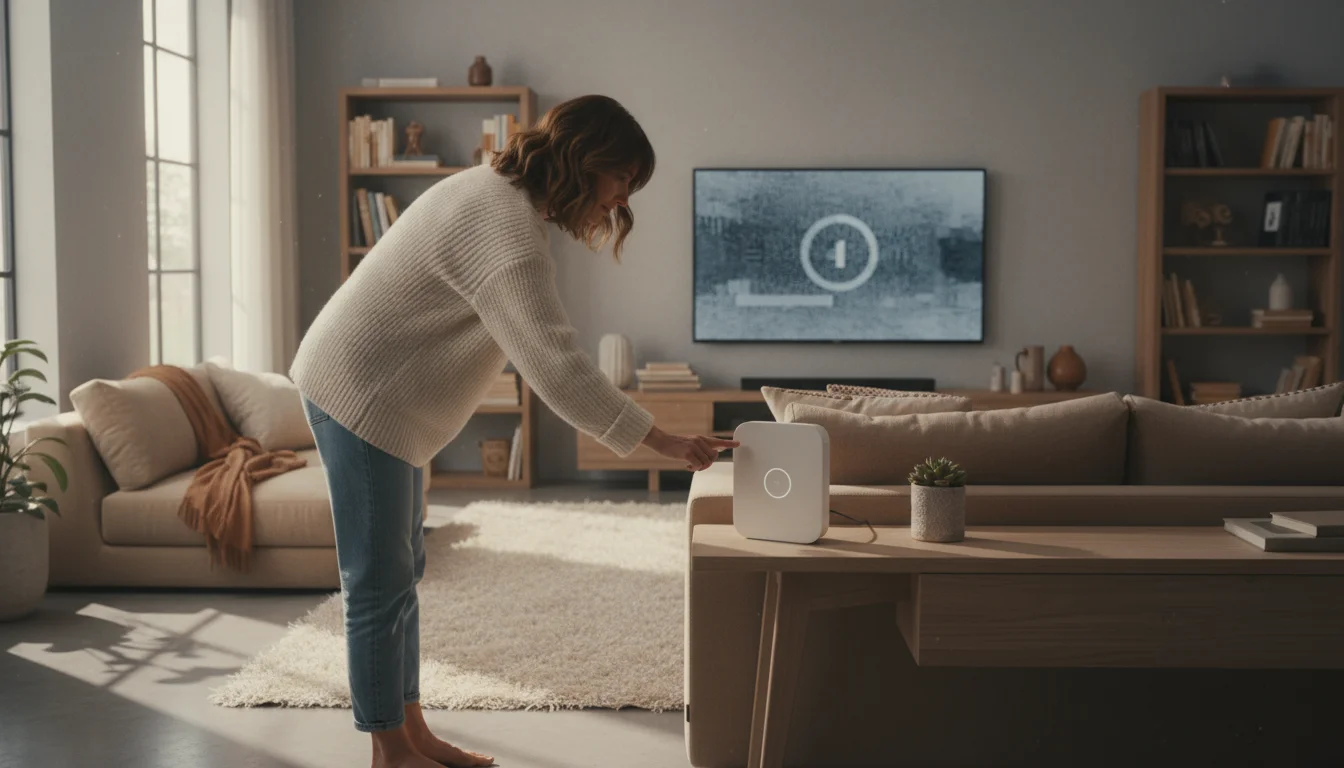
Even the most advanced smart home devices can encounter occasional glitches. Knowing how to troubleshoot common smart thermostat issues helps you quickly restore comfort and ensure continued `energy efficiency`.
-
Wi-Fi Connectivity Problems: This is the most frequent issue. Your smart thermostat relies on a stable Wi-Fi connection for remote control and smart features.
- Solution: First, restart your Wi-Fi router. Then, restart your thermostat (usually by toggling its circuit breaker or removing it from its base for a minute). Ensure your thermostat is within range of your router and not blocked by physical obstructions. If your router uses both 2.4GHz and 5GHz bands, ensure your thermostat connects to the 2.4GHz band, as most older smart home devices prefer it for better range.
-
Inaccurate Temperature Readings: If your thermostat consistently reads temperatures differently from other thermometers in the room.
- Solution: Ensure no direct sunlight or drafts hit the thermostat. These external factors can skew readings. Check if the thermostat requires calibration through its settings or app. If using remote sensors, verify their placement and battery life. Dust accumulation inside the thermostat can also affect sensors, so carefully clean it with compressed air if accessible.
-
Thermostat Not Powering On (No C-wire): If your thermostat frequently loses power or batteries drain quickly.
- Solution: This often indicates an insufficient power supply, usually due to the lack of a C-wire. Confirm your thermostat’s power requirements. If it needs a C-wire and you do not have one, you might need to install a C-wire adapter (some manufacturers provide these) or have an HVAC professional run a new wire.
-
HVAC System Not Responding: If your smart thermostat shows it is calling for heat or cool, but your furnace or AC does not turn on.
- Solution: Check your circuit breaker for the HVAC system; it might have tripped. Ensure the thermostat is correctly wired to your HVAC system, referring to the wiring diagram from installation. Sometimes, the thermostat might be in an incorrect mode (e.g., set to “Off” or “Fan Only”). Verify your HVAC system itself is functioning by testing it with the emergency heat or cooling override if available.
-
Scheduling or Geofencing Malfunctions: If your schedule does not activate or geofencing fails to detect your presence.
- Solution: Double-check your app’s schedule settings for any conflicts or errors. For geofencing, ensure your phone’s location services are enabled and permissions are granted for the thermostat app. Also, confirm the geofence boundaries are correctly set up and all household members using the feature have their phones configured correctly.
Most issues have straightforward solutions. You can often resolve problems by performing a quick reset, checking settings in the app, or reviewing your home network. When in doubt, consult your smart thermostat’s user manual or contact customer support for brand-specific assistance.

Frequently Asked Questions
Do smart thermostats really save money on energy bills?
Yes, smart thermostats genuinely help you save money on energy bills. They do this by optimizing your home’s heating and cooling based on your schedule, presence, and external conditions. Features like geofencing, learning algorithms, and remote control prevent wasted energy when you are away or asleep. Many users report annual savings of 10% to 20% on their heating and cooling costs, leading to the thermostat paying for itself over time.
Are smart thermostats compatible with all HVAC systems?
Most modern smart thermostats are compatible with a wide range of HVAC systems, including conventional furnaces, air conditioners, and heat pumps. However, compatibility is not universal. You must check the specific wiring requirements, particularly the need for a “C-wire” (common wire) for continuous power. Some older or more complex systems might require professional installation or may not be compatible at all. Always use the manufacturer’s compatibility checker before purchasing.
What is a C-wire and do I need one for my smart thermostat?
A C-wire, or common wire, provides a continuous low-voltage power supply to your thermostat. Traditional thermostats often run on batteries or “power stealing” from other wires, but smart thermostats require more consistent power for Wi-Fi and advanced features. Most smart thermostats require a C-wire for optimal and reliable operation. If your home lacks a C-wire, some models offer workarounds like power extenders, or you might need to have a professional install one.
How long does it take for a smart thermostat to pay for itself?
The payback period for a smart thermostat varies based on several factors: the thermostat’s cost, your local electricity and gas rates, your home’s insulation, and how diligently you use its energy-saving features. Generally, users find their smart thermostat pays for itself within one to three years through reduced energy bills. Significant savings start almost immediately, especially if you had an older, inefficient thermostat previously.
Can I control my smart thermostat away from home?
Absolutely. One of the primary advantages of a smart thermostat is its ability to be controlled remotely. As long as your thermostat is connected to your home Wi-Fi and you have internet access on your smartphone or tablet, you can adjust settings, create schedules, monitor energy usage, and receive alerts from anywhere in the world through its dedicated mobile app. This feature ensures you maintain comfort and `energy efficiency` even when you are not physically present.
For expert home organization guidance, visit
Bob Vila,
HGTV — Home,
Apartment Therapy,
The Container Store — Organization Tips and
IKEA Home Organization.
Disclaimer: This article is for informational purposes only and is not a substitute for professional advice. Consult professional organizers or specialists for personalized recommendations.









Leave a Reply